
Soloblog
Soloblog is a free, open source blog and website for one person, run on your own server or hosting account. Write in a calm editor, pick from 35 colour palettes, and build pages from sections. Your posts are plain text files you own.
- Free to use, change and share
- Imports from WordPress, Ghost, Medium and Substack
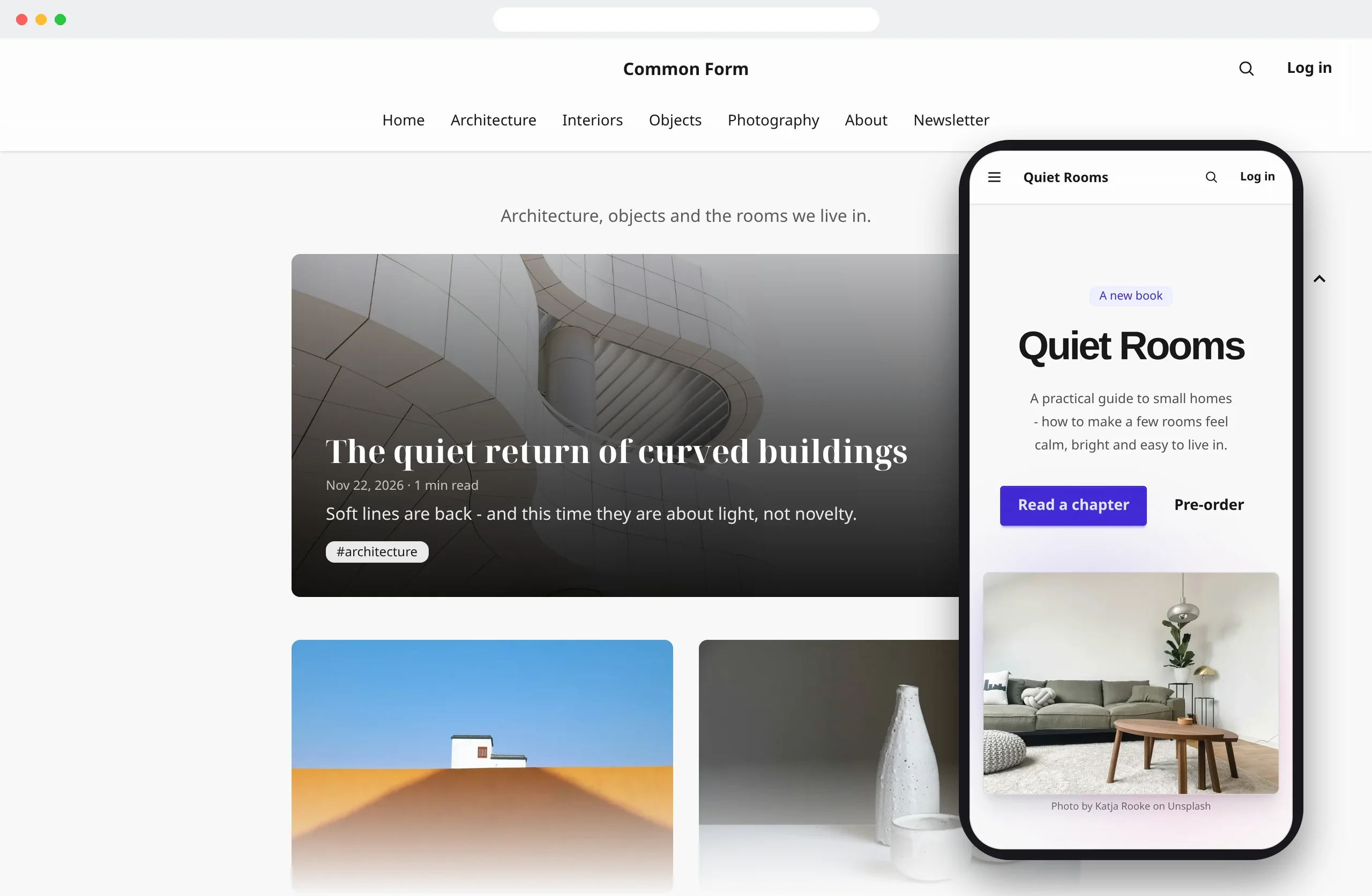
Soloblog in numbers
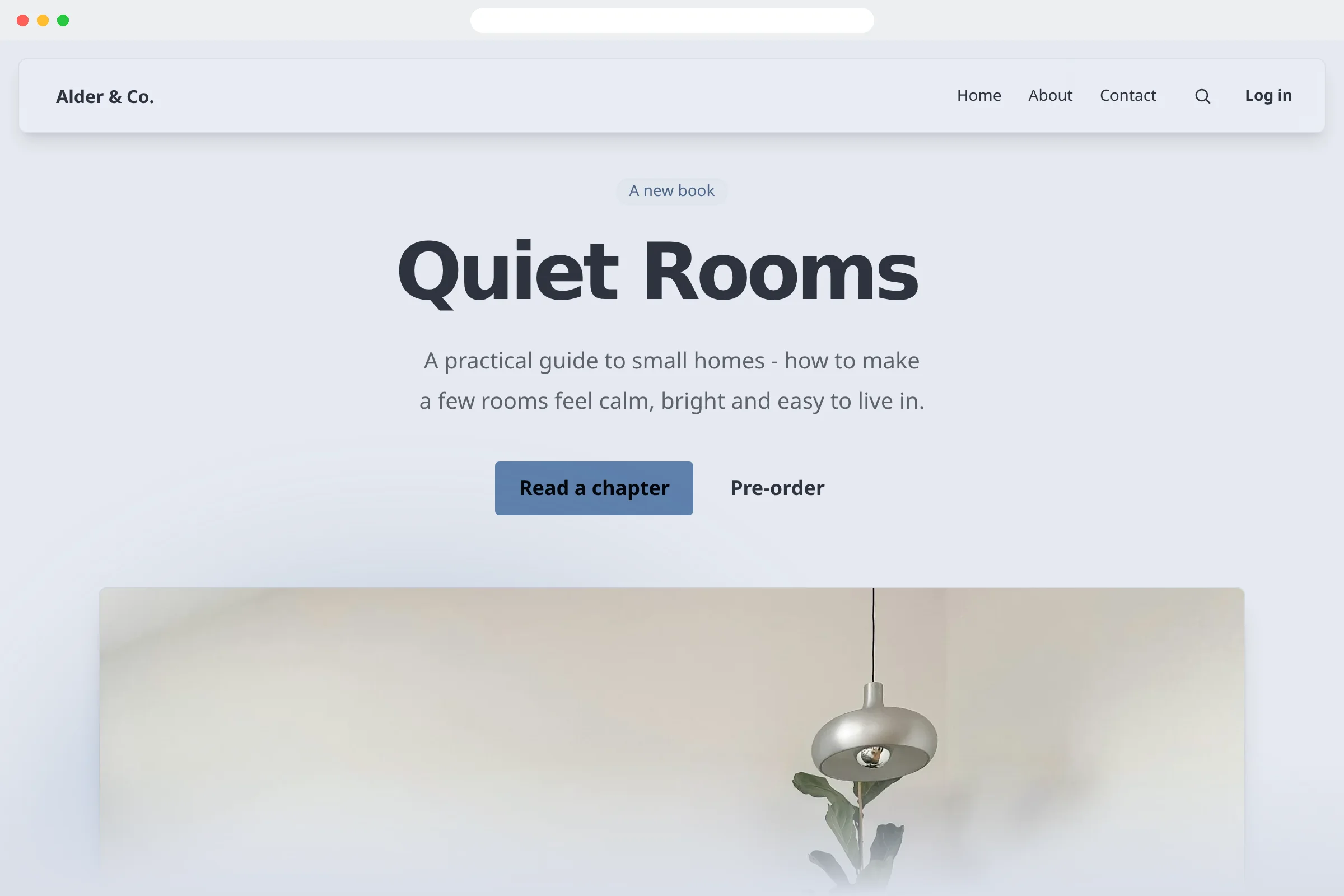
Presets
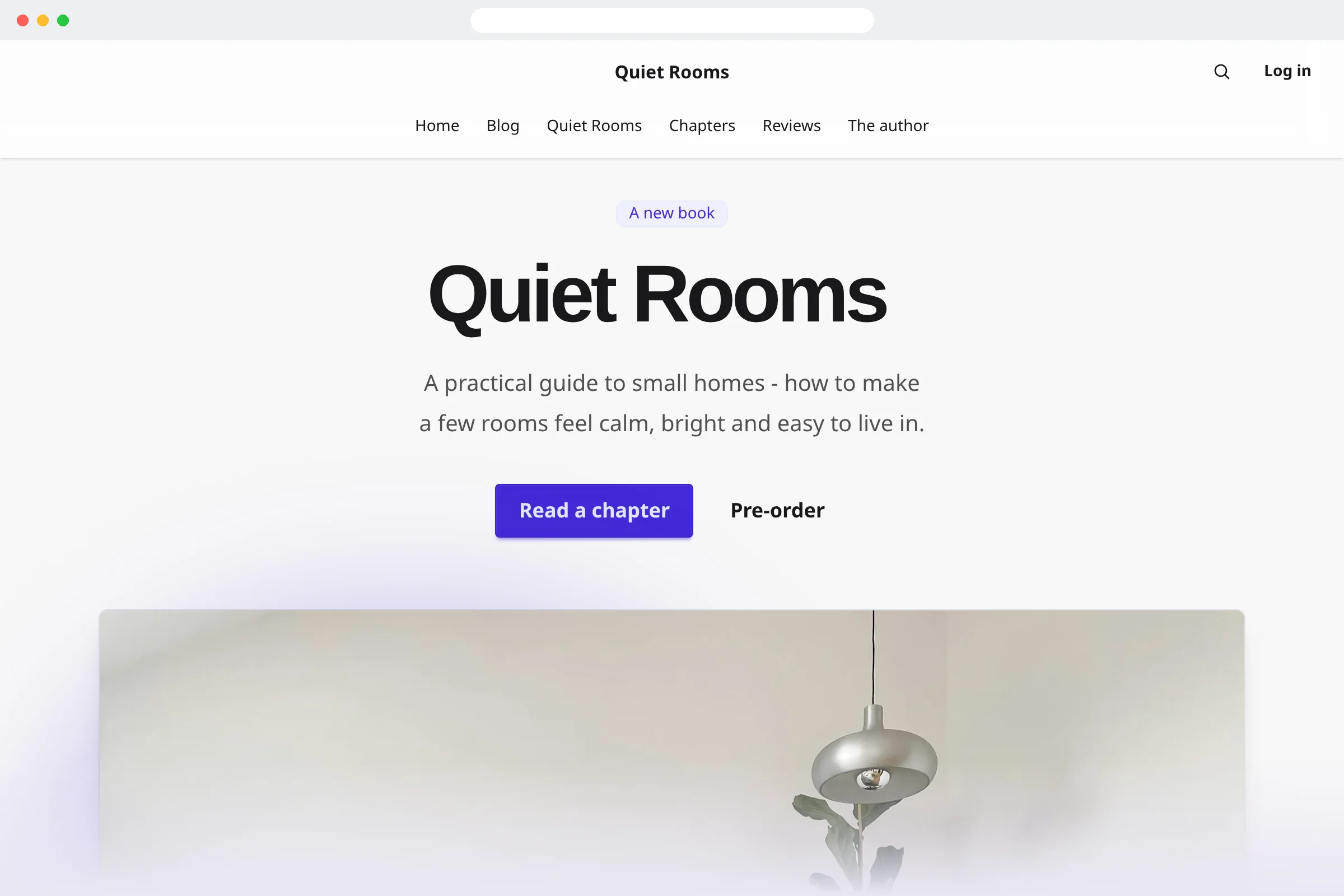
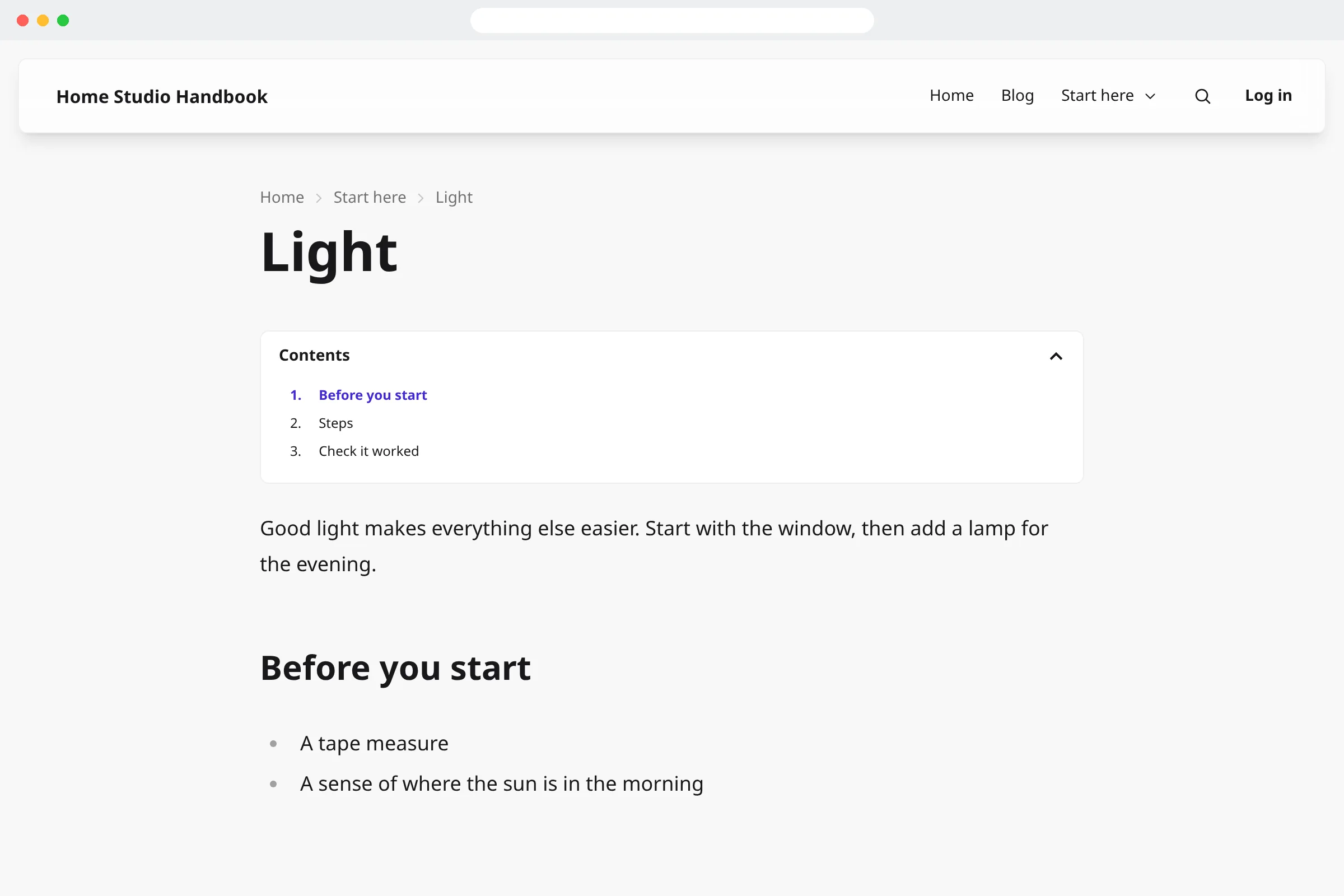
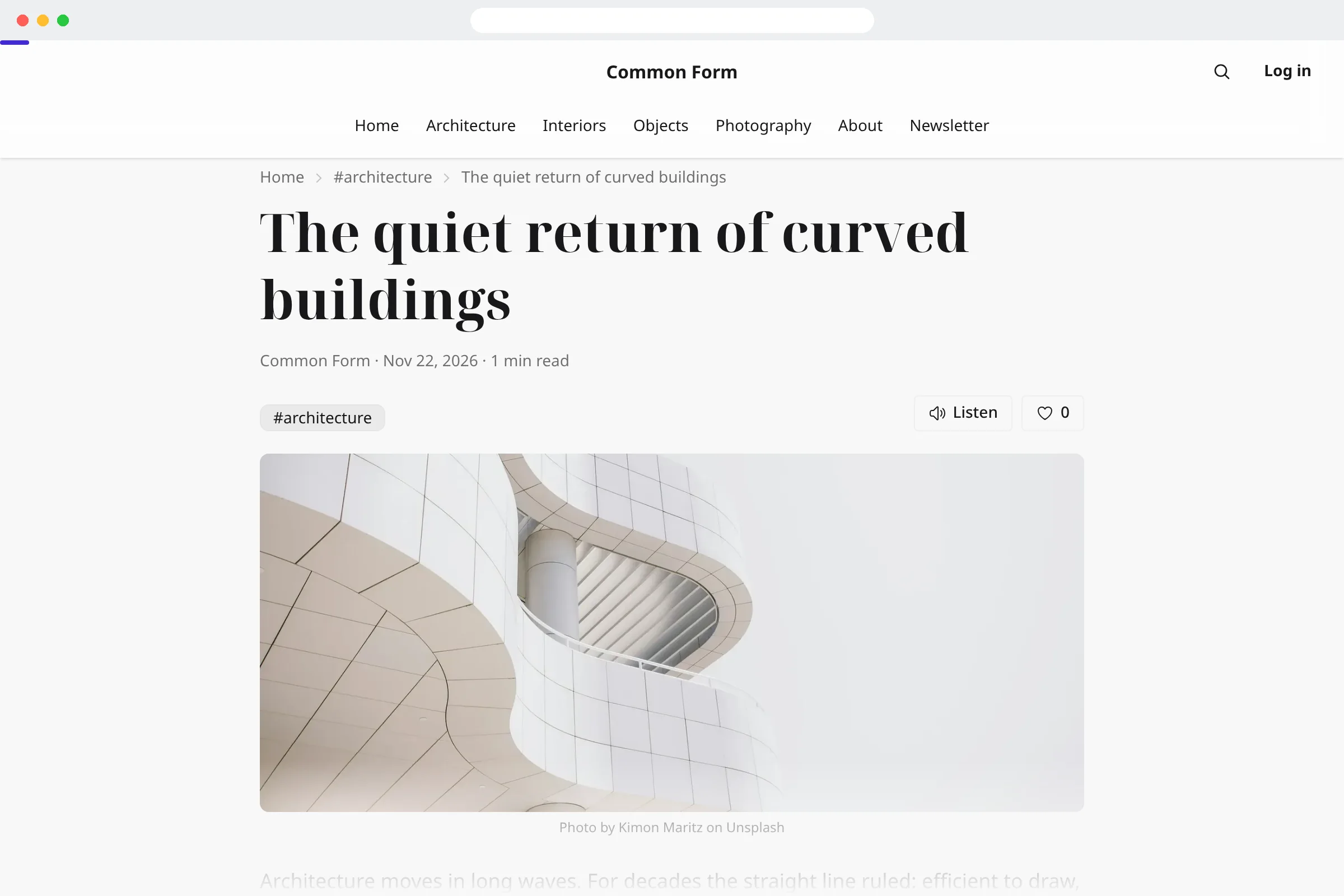
A preset sets up the whole site at once, from its fonts to how posts are listed.
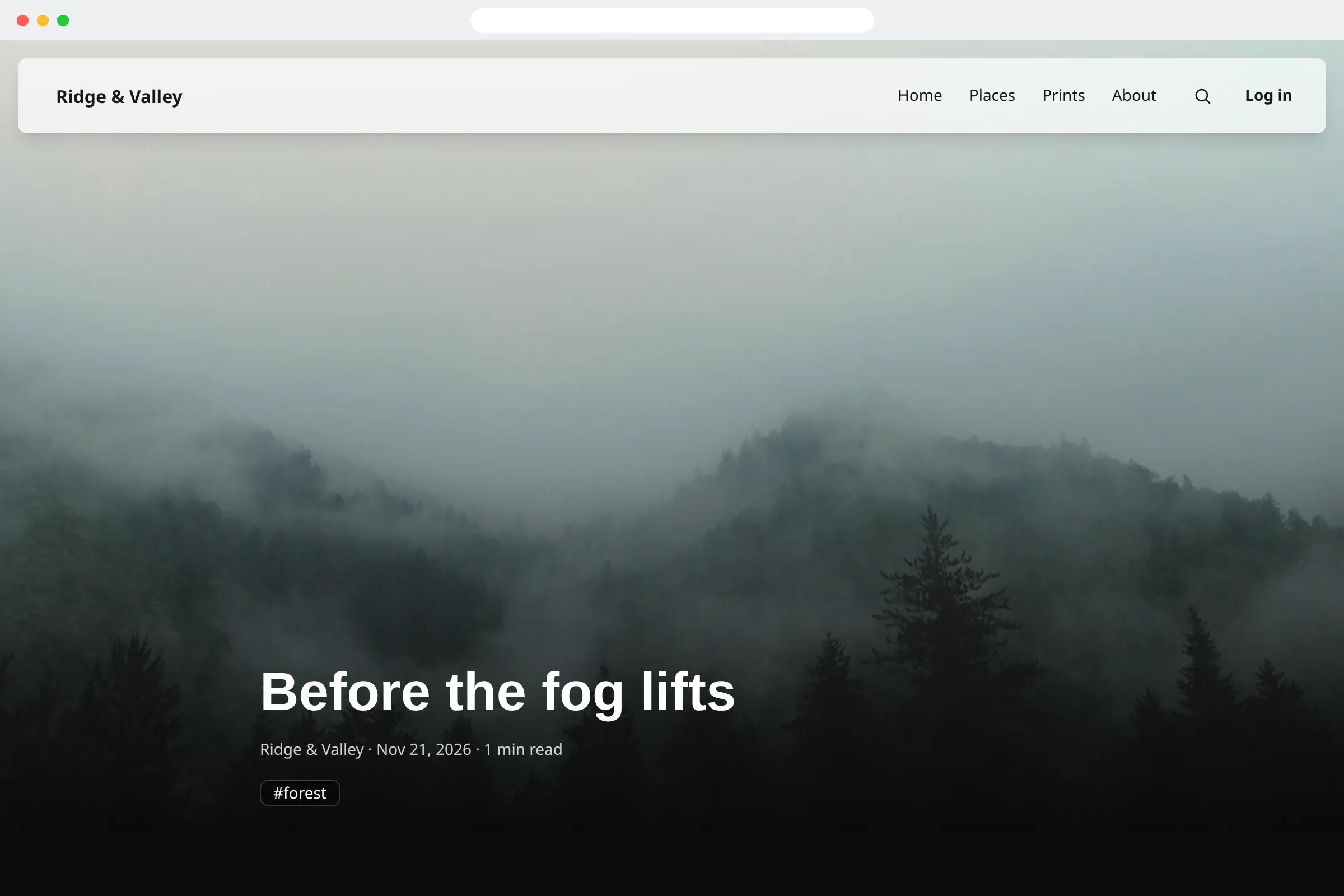
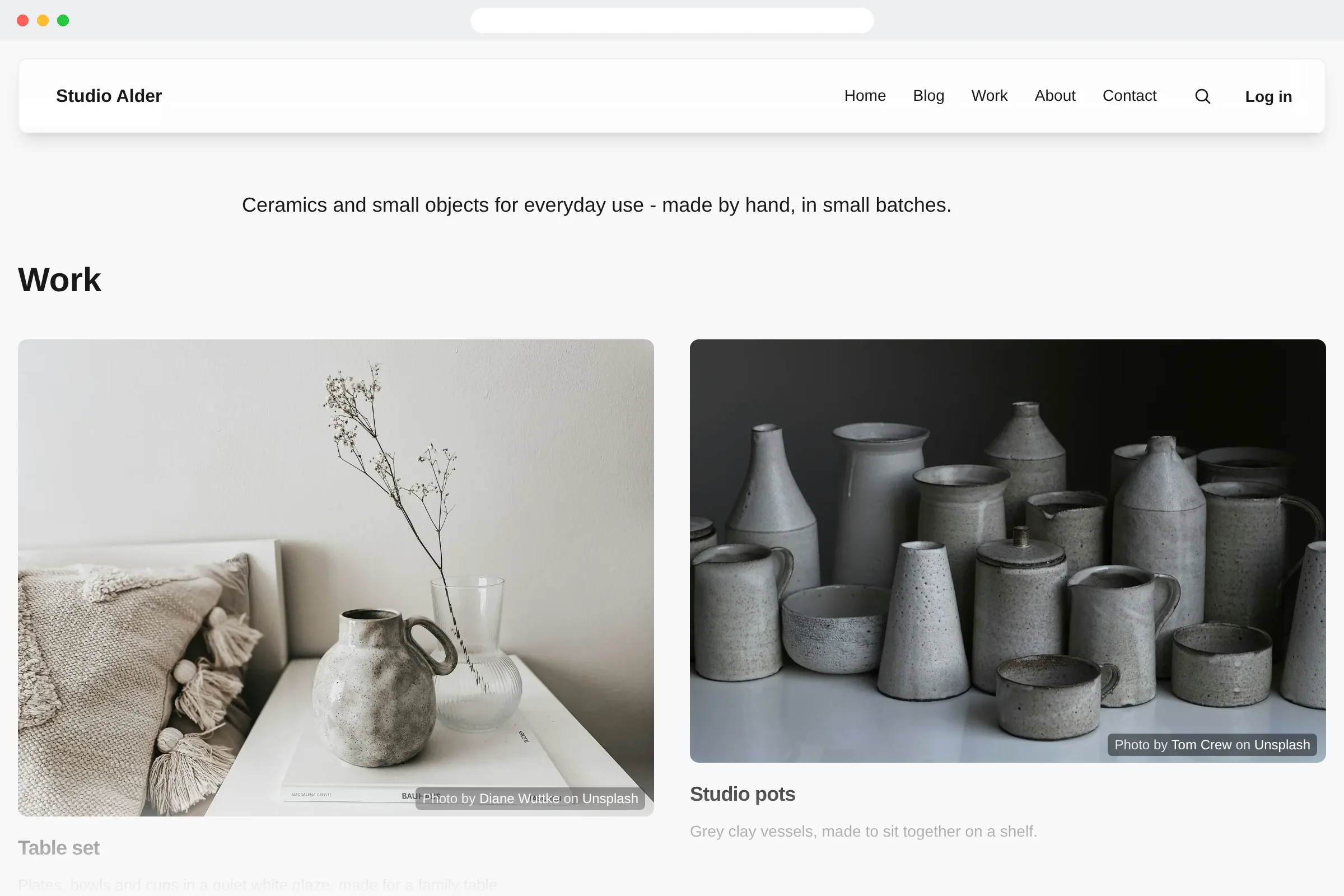
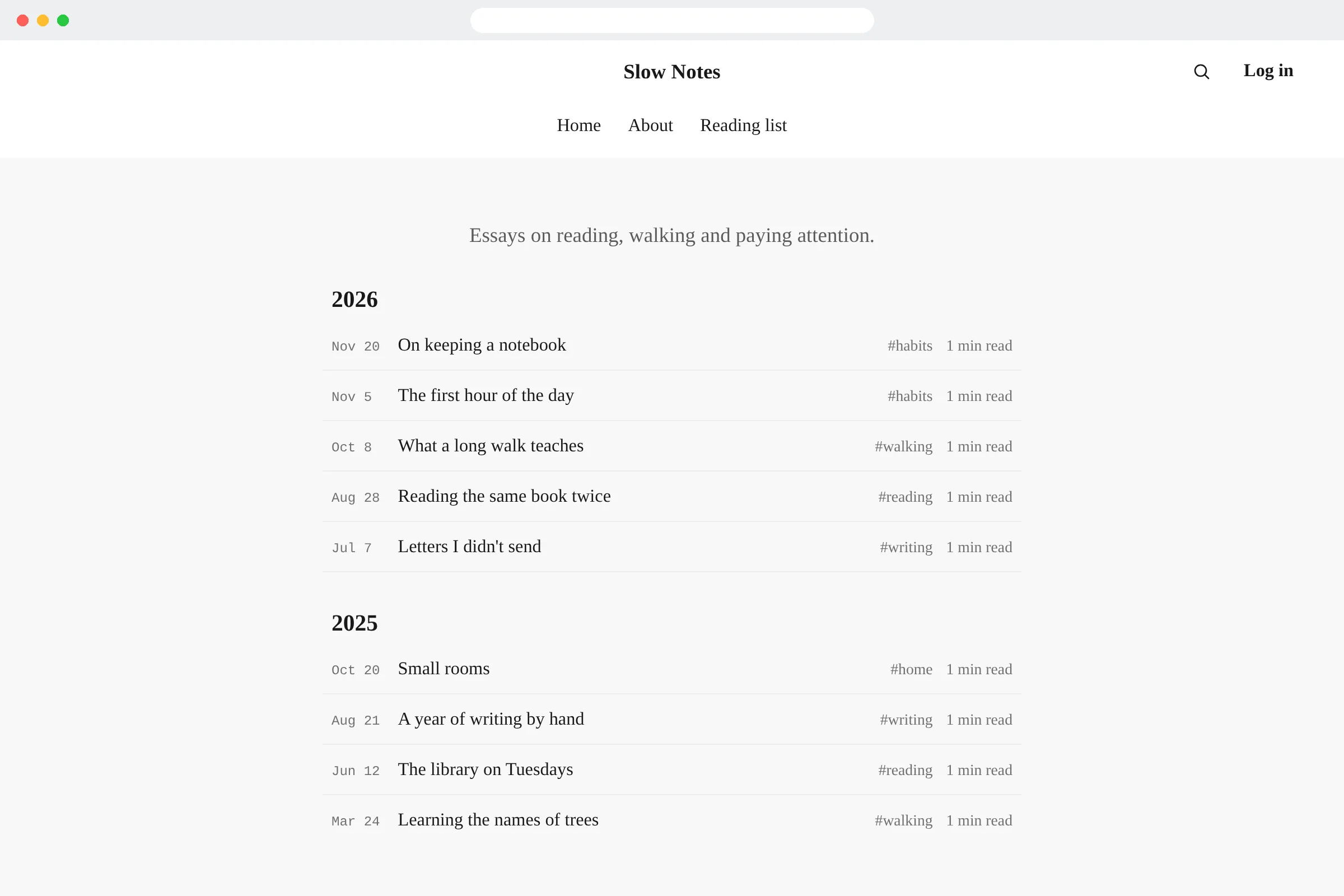
Colour palettes
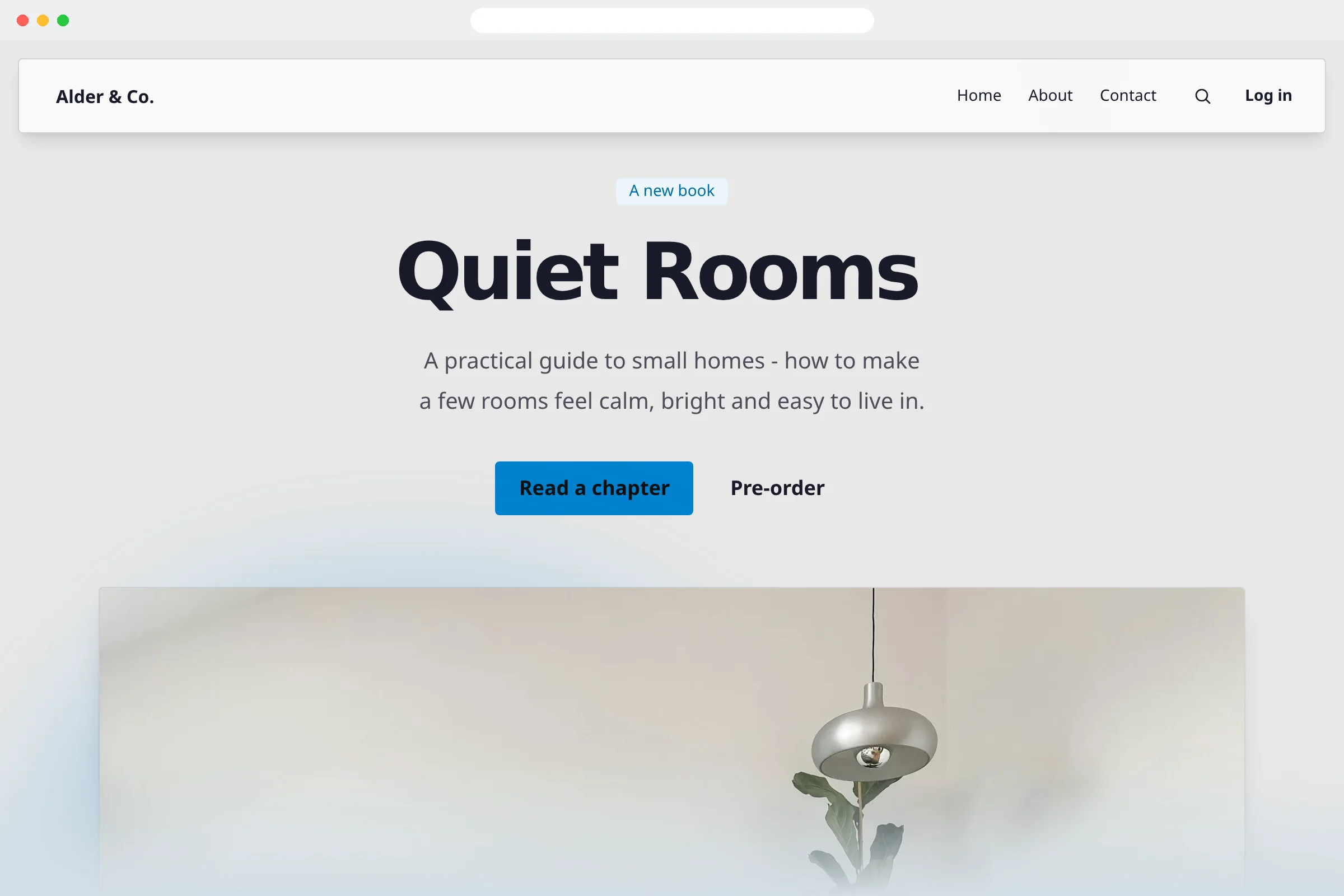
A light palette and a dark one, or a matching pair, with automatic dark mode and a palette switcher for visitors.
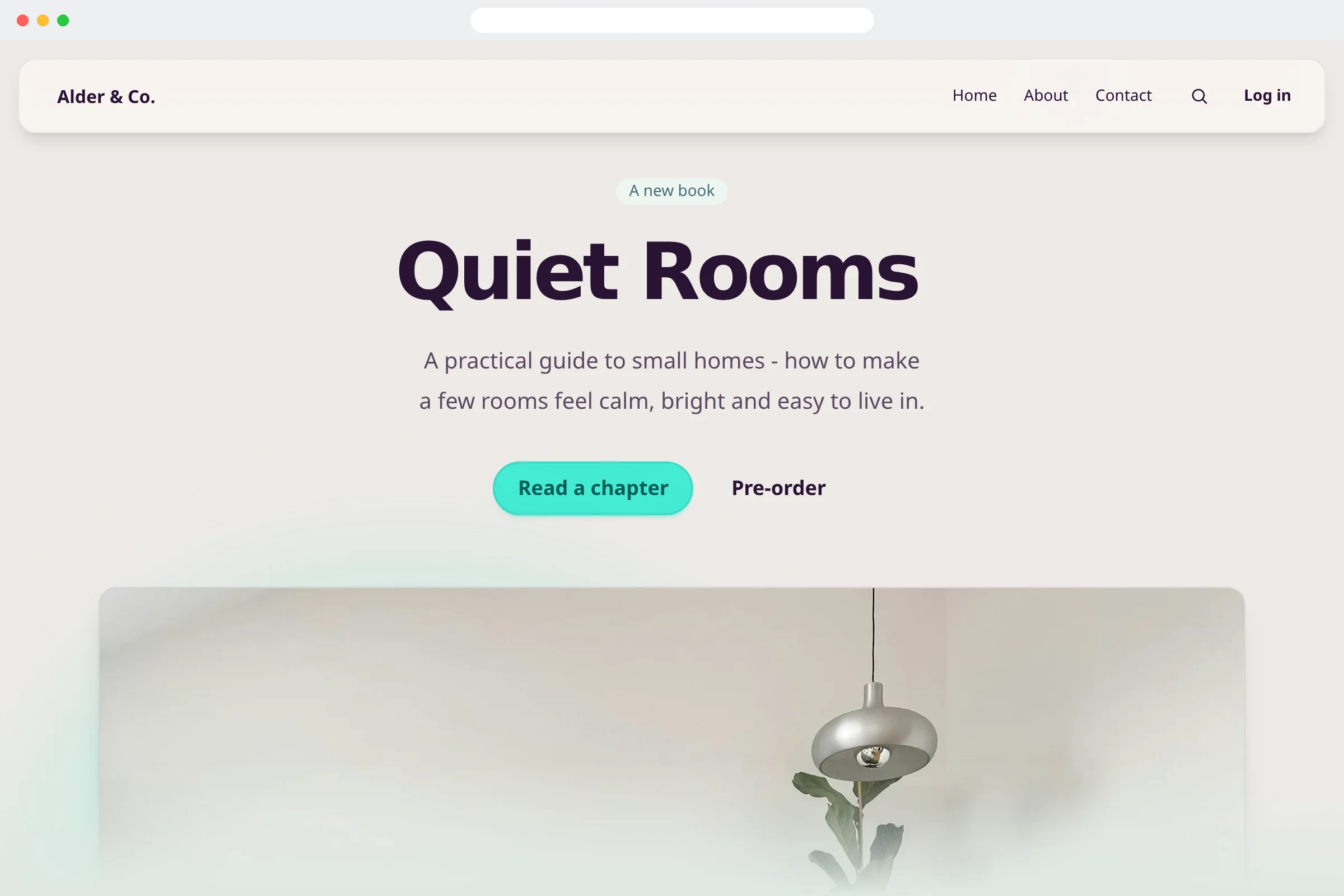
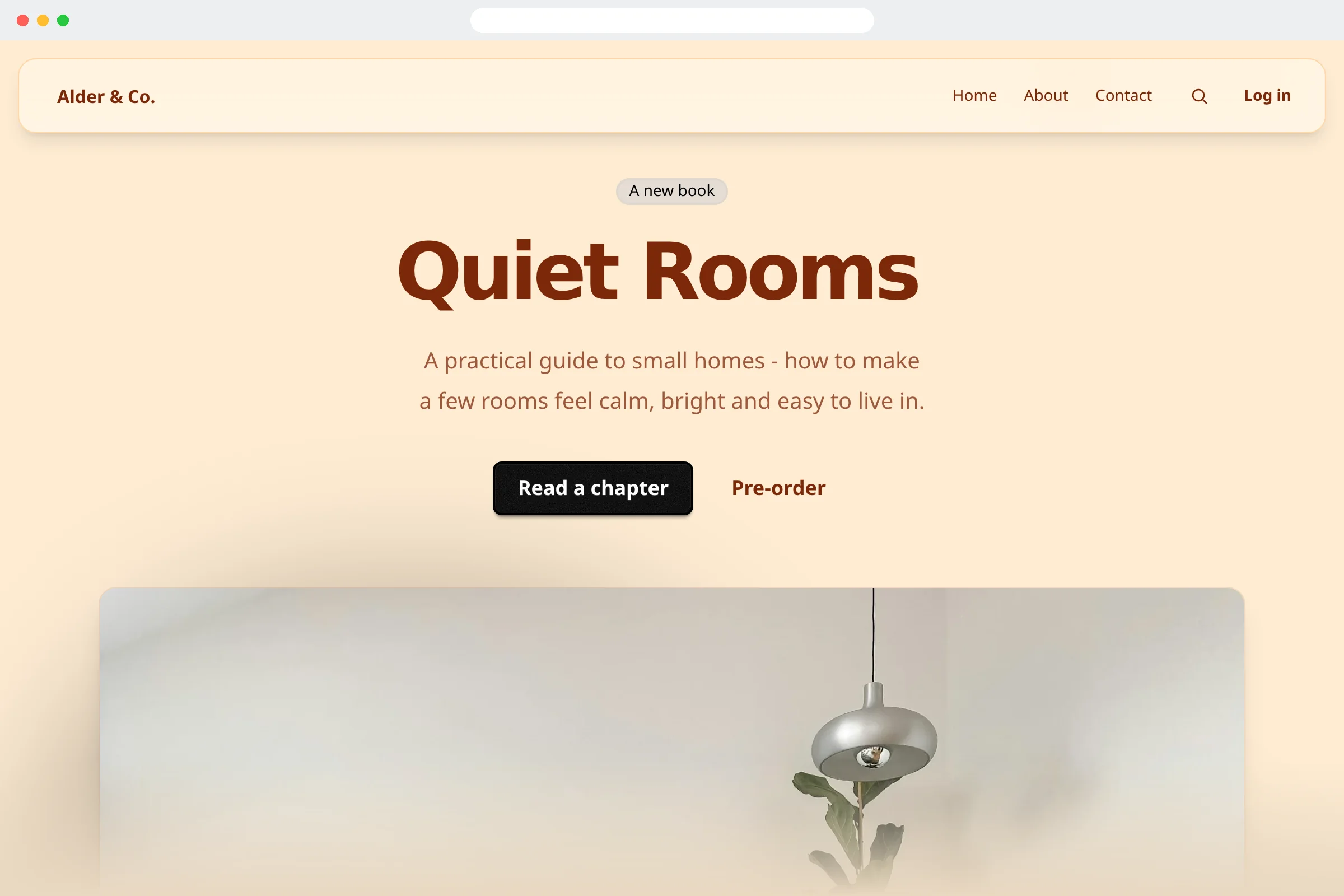
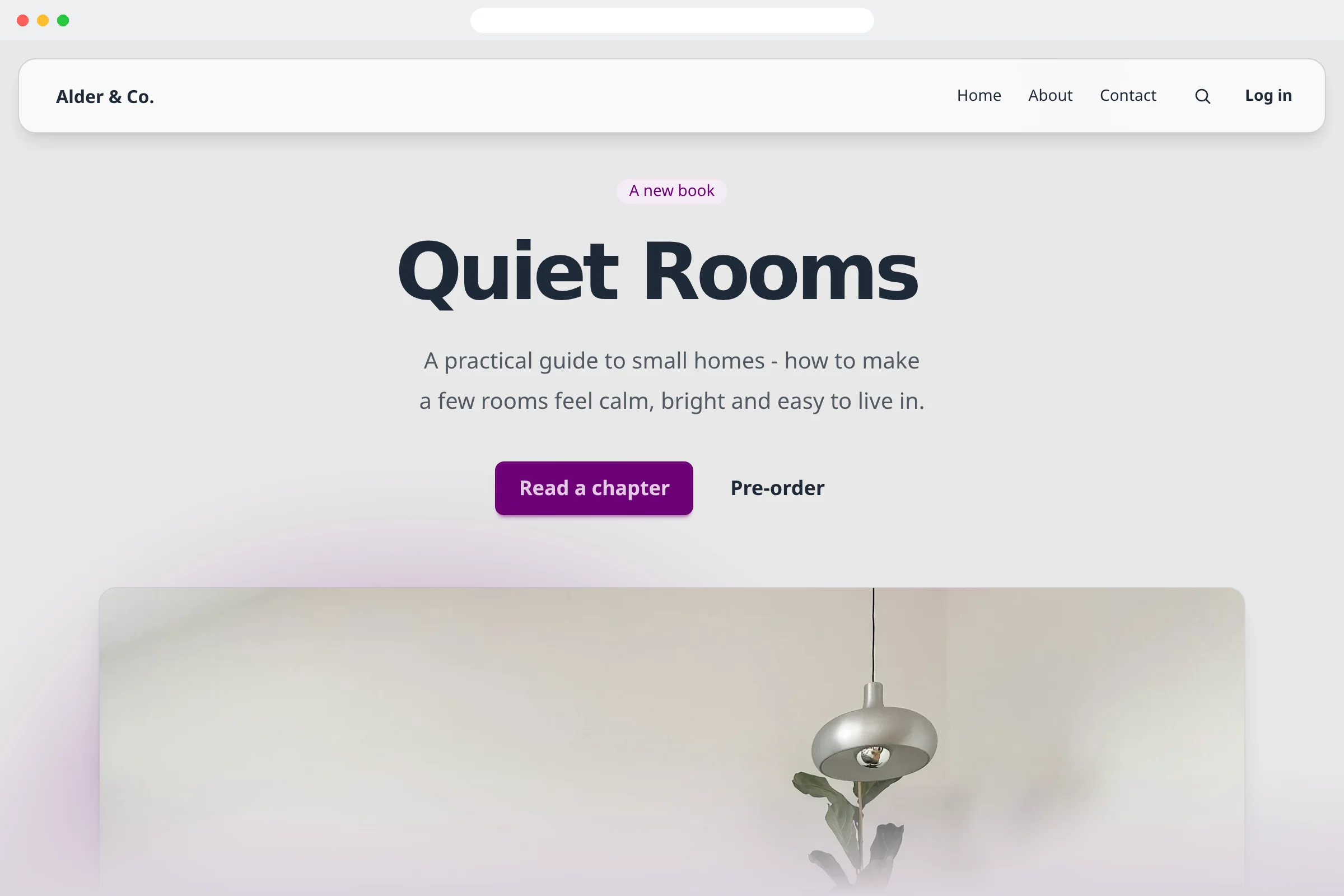
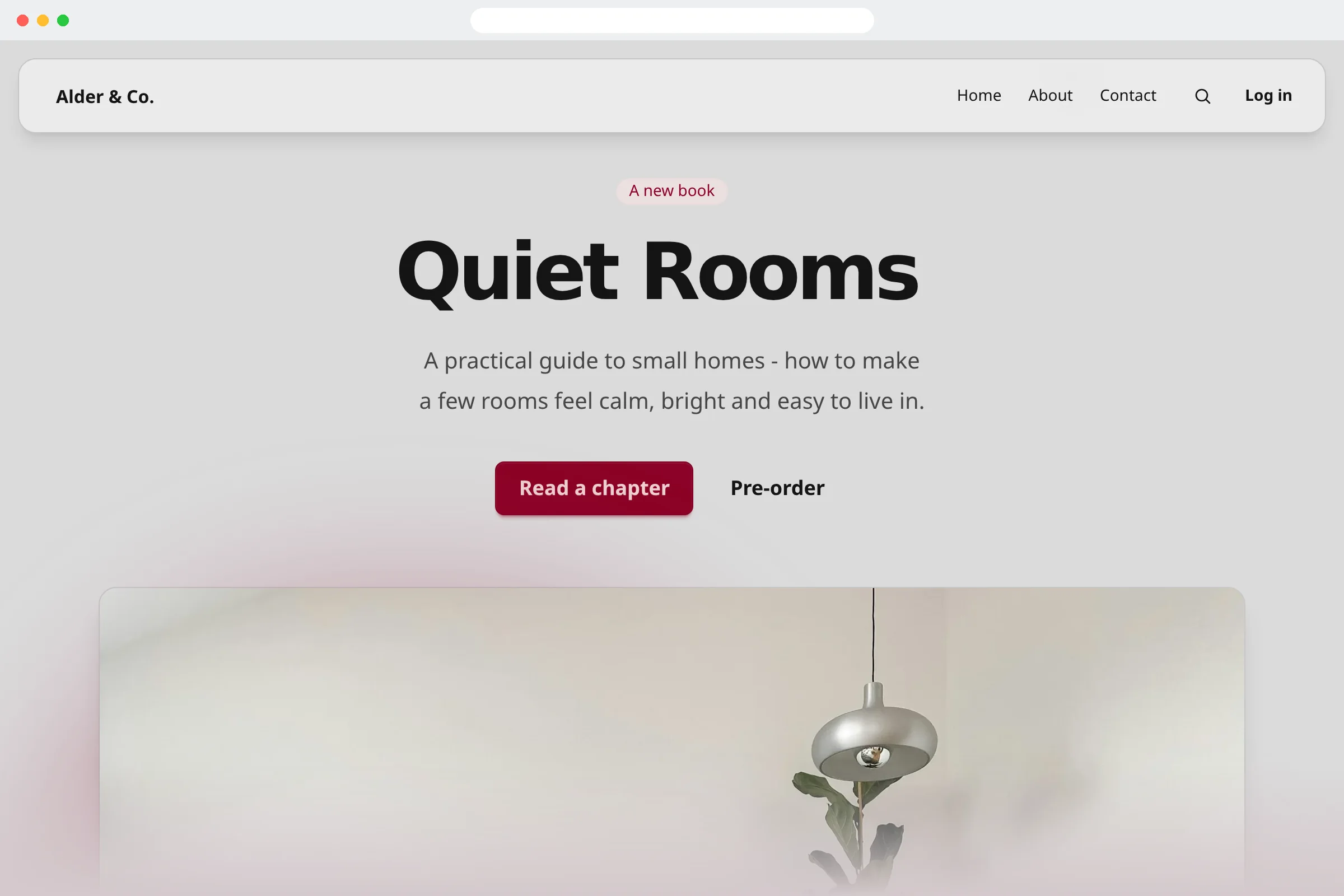
Blog layouts, page templates and sections
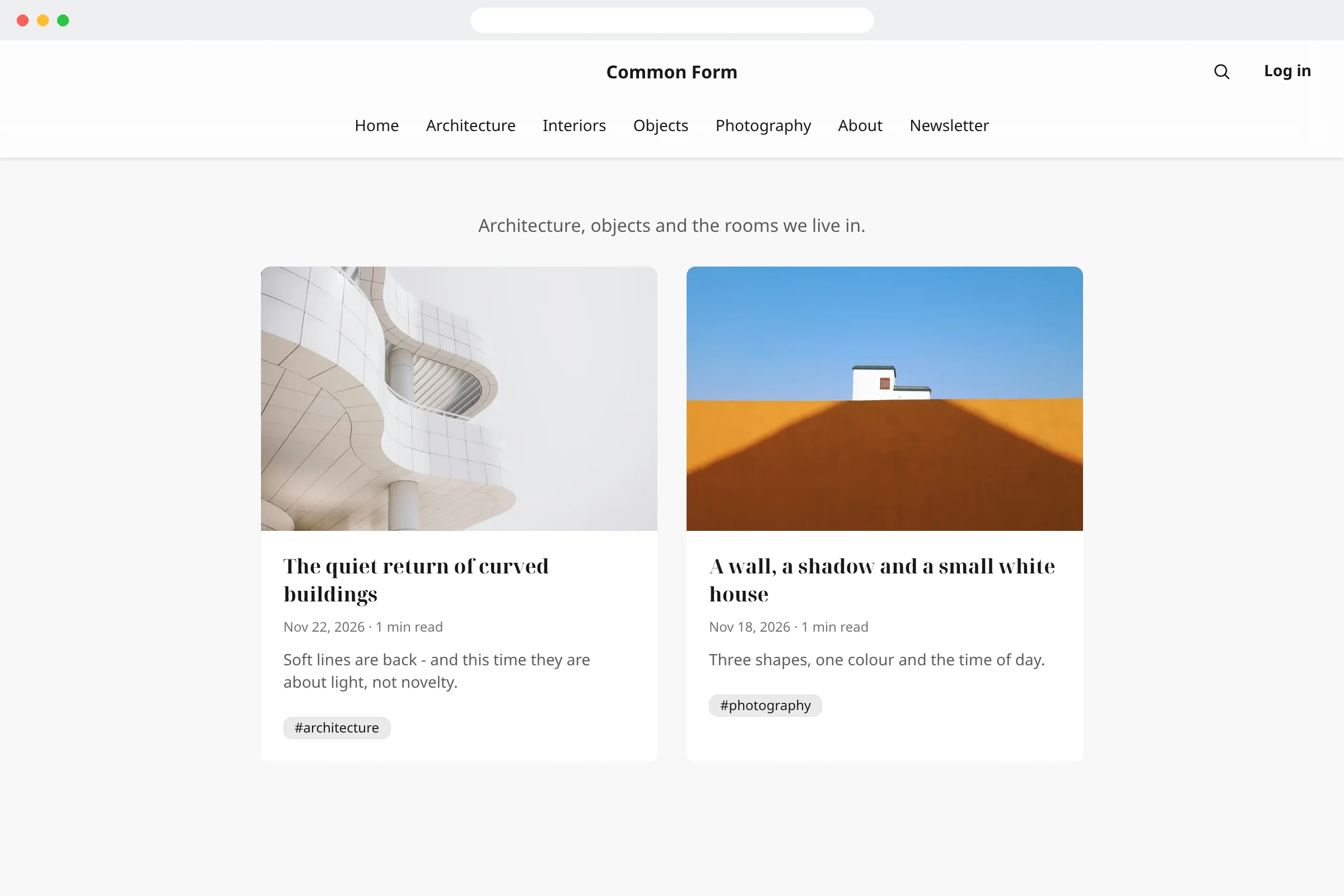
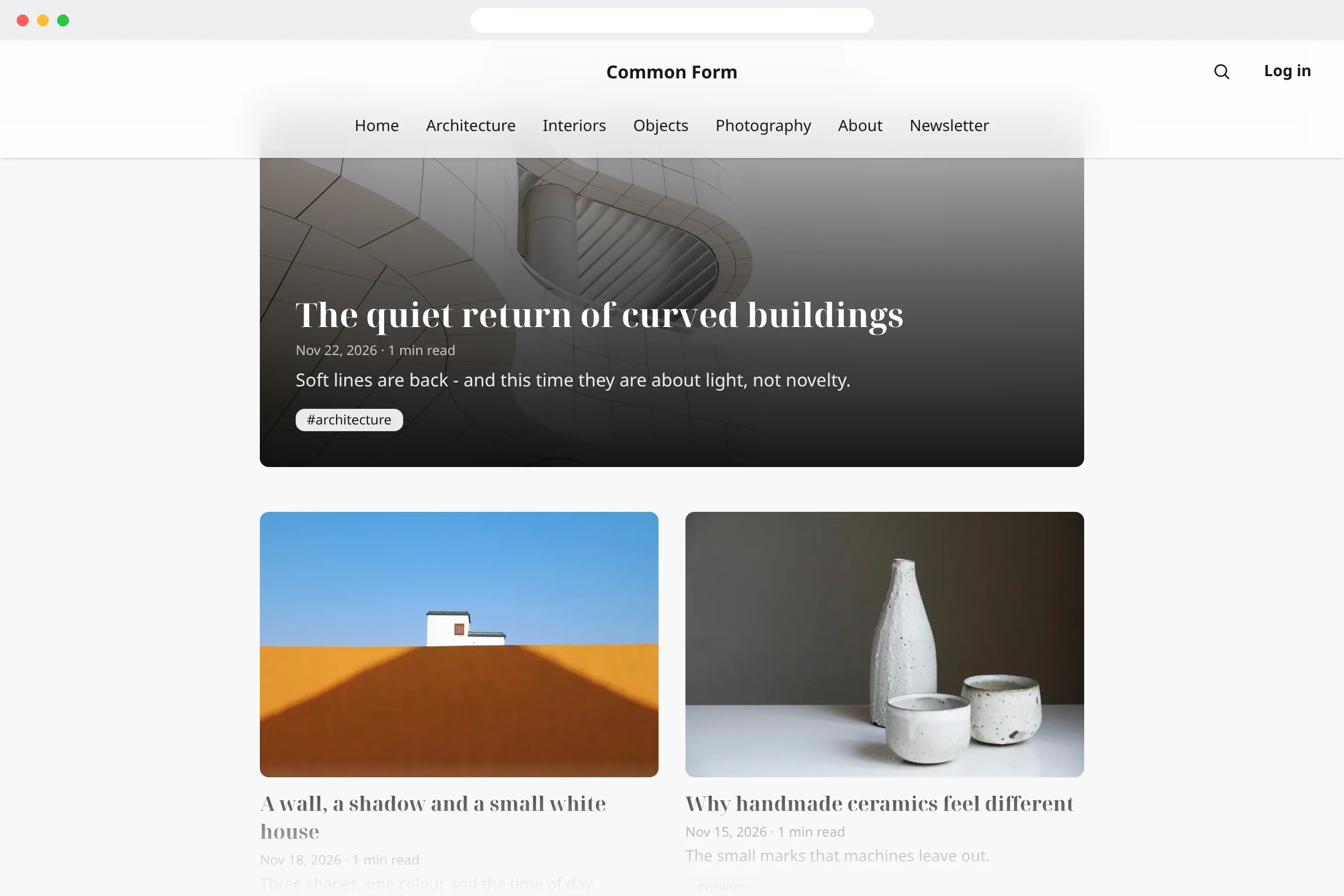
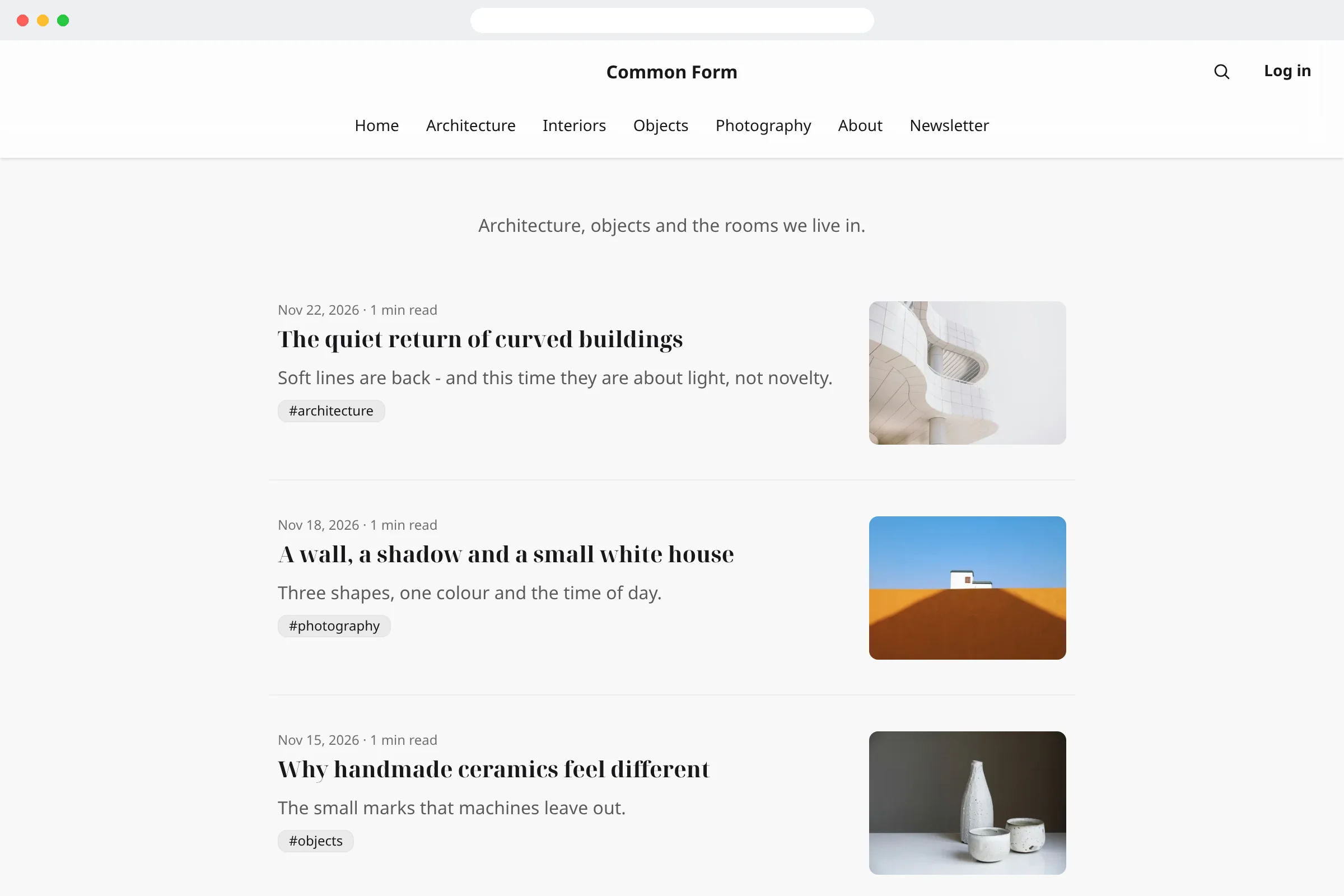
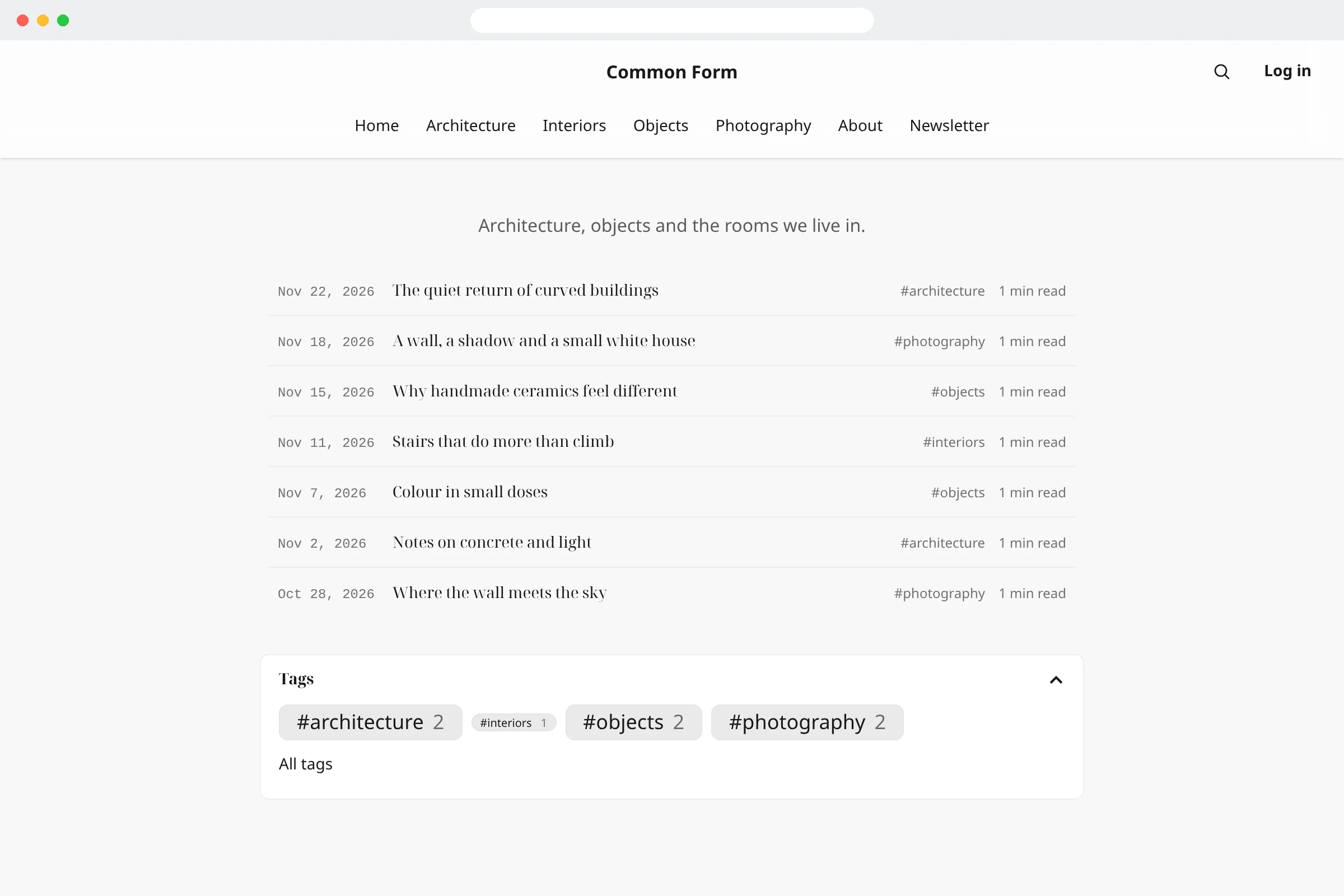
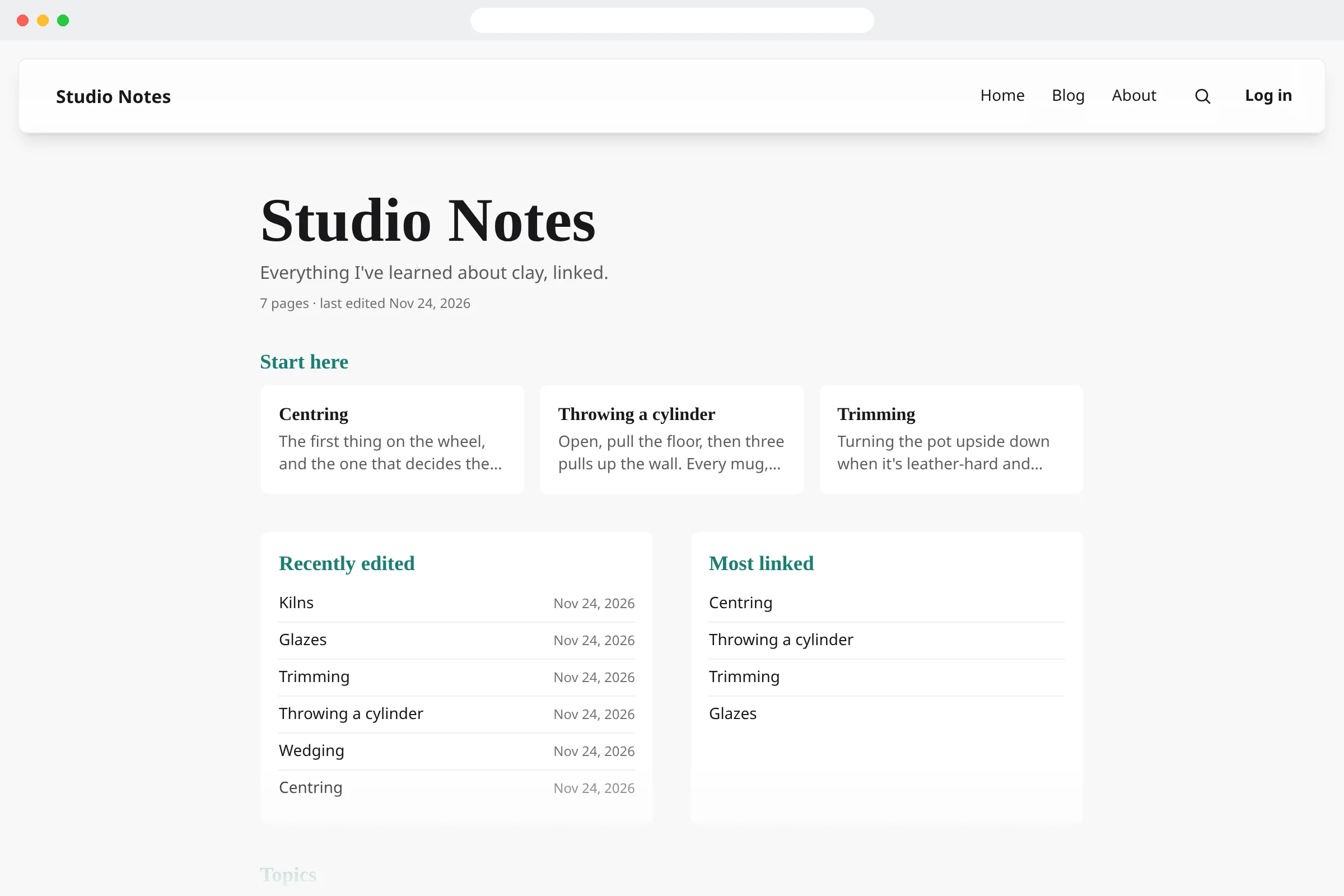
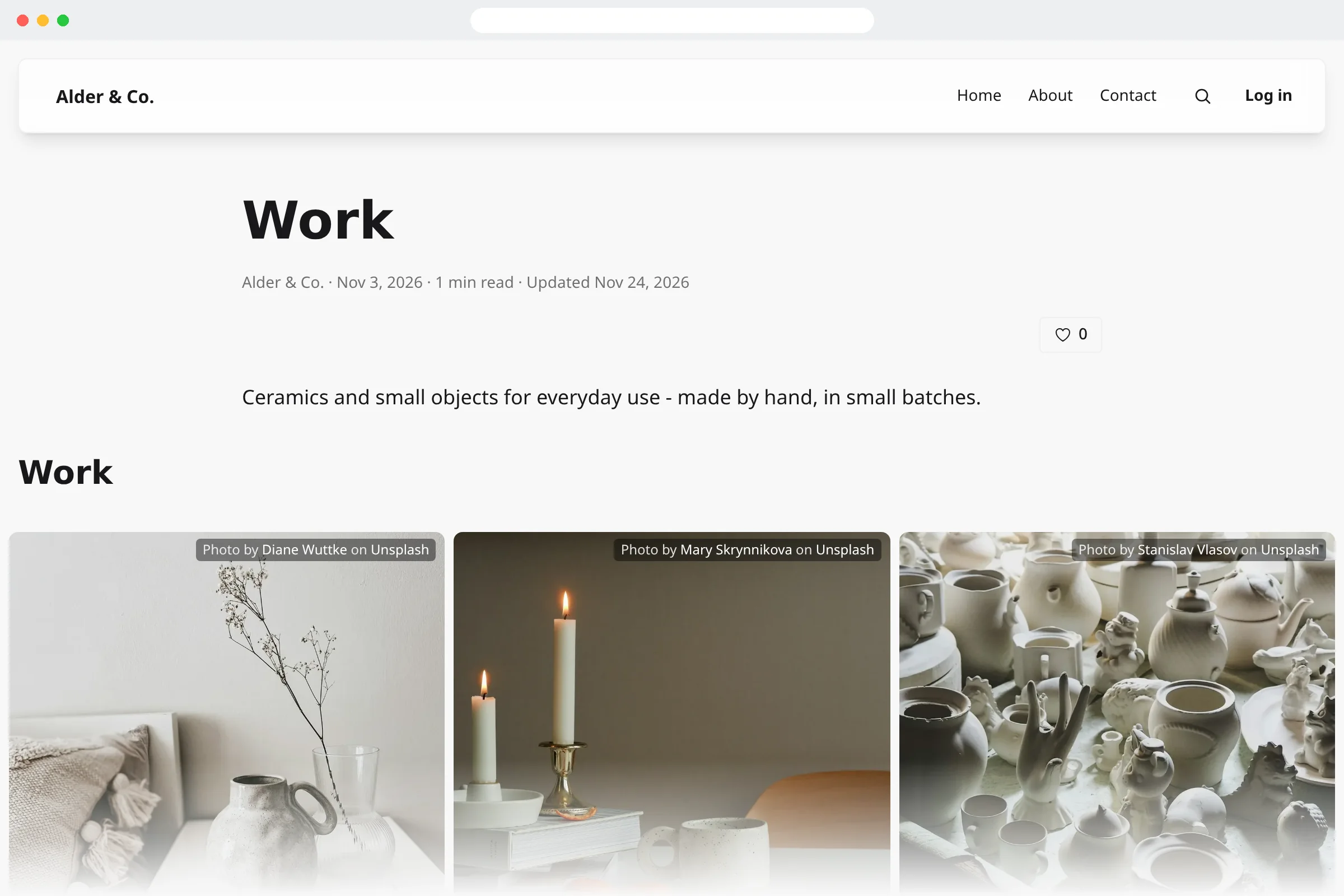
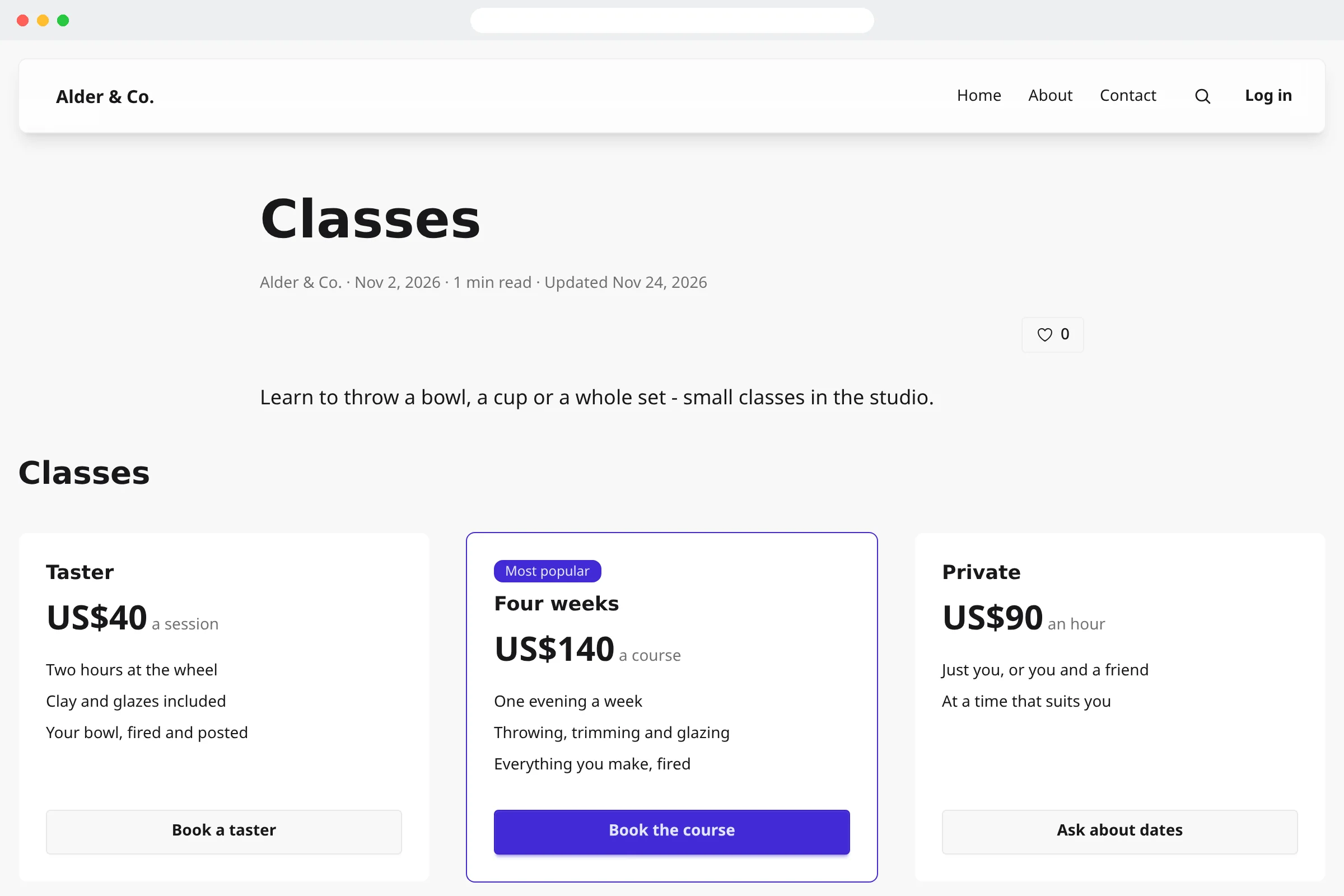
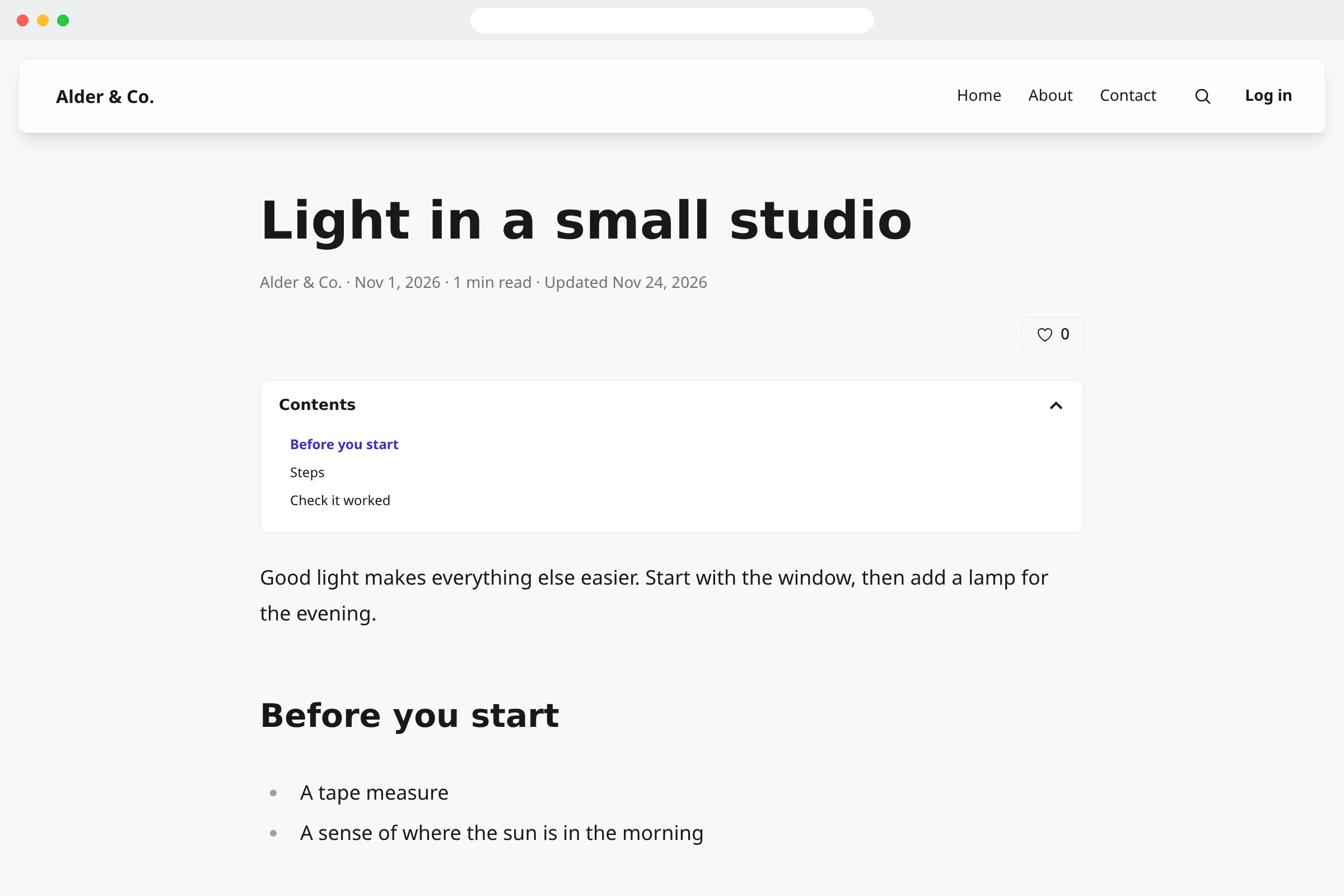
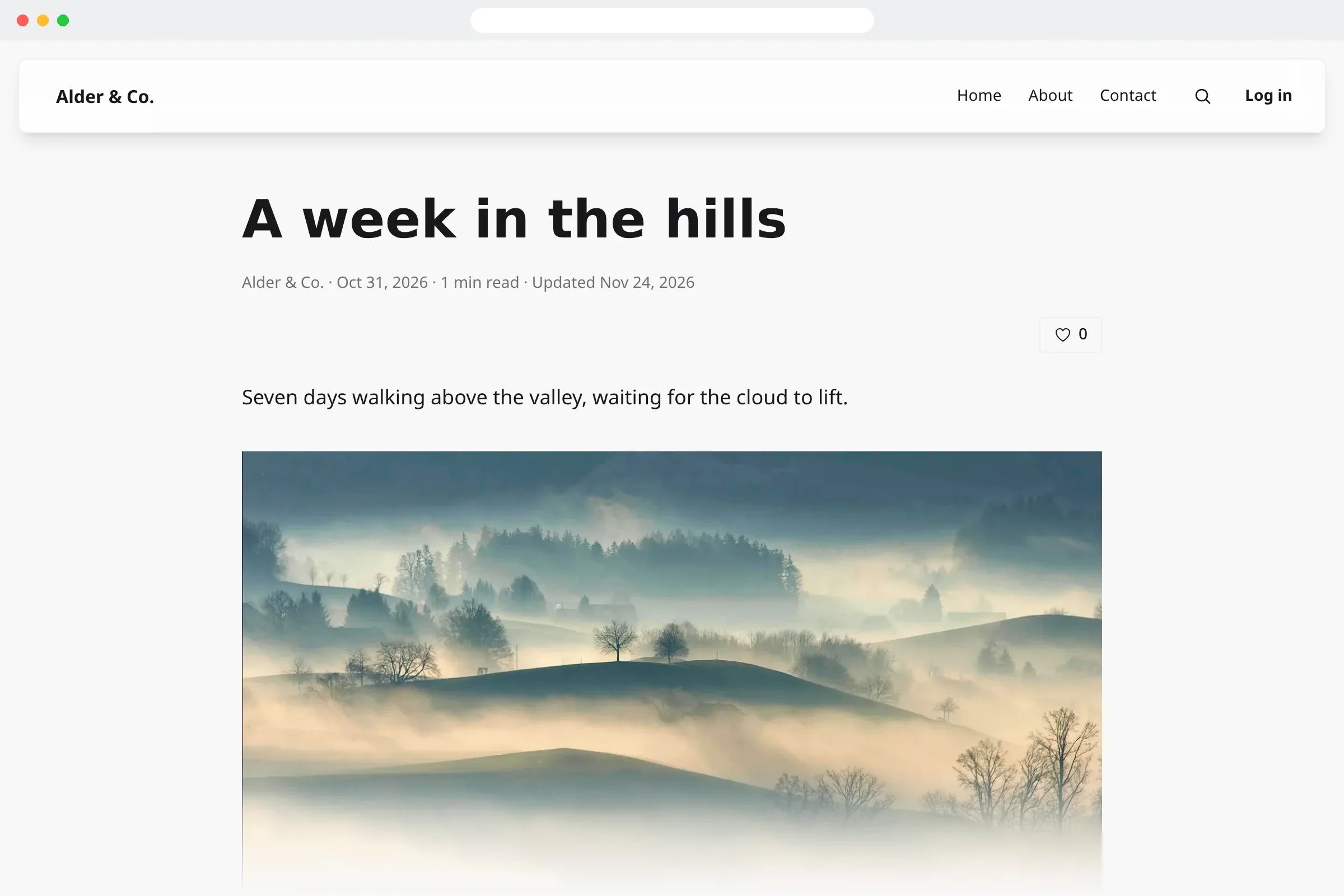
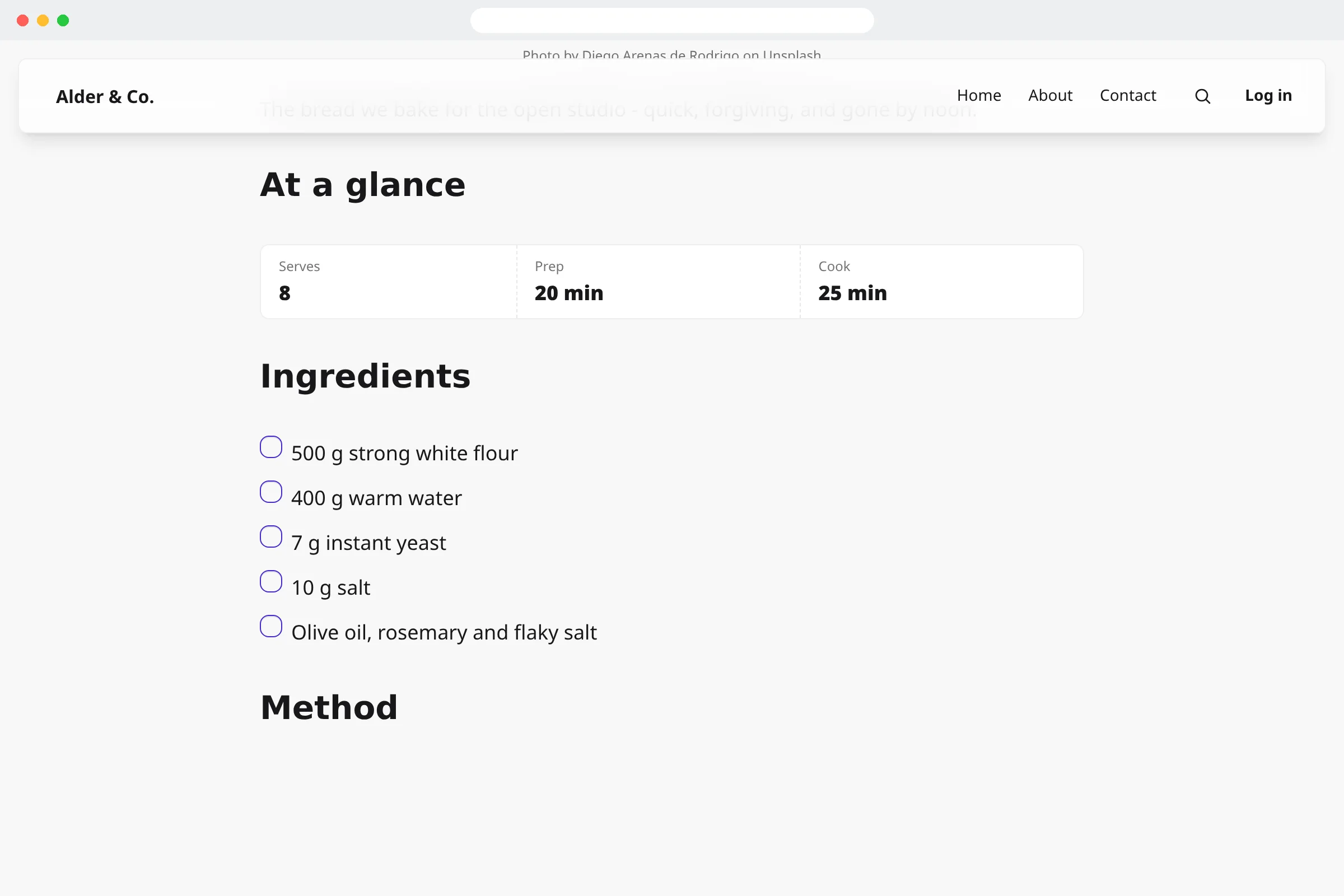
Posts can be listed as cards, a magazine, a plain list or in a minimal blog roll. A page can start from a template: a recipe comes with its ingredients and method, a portfolio puts the pictures first. Pages are built from sections, and any page can be saved as a template.
Writing
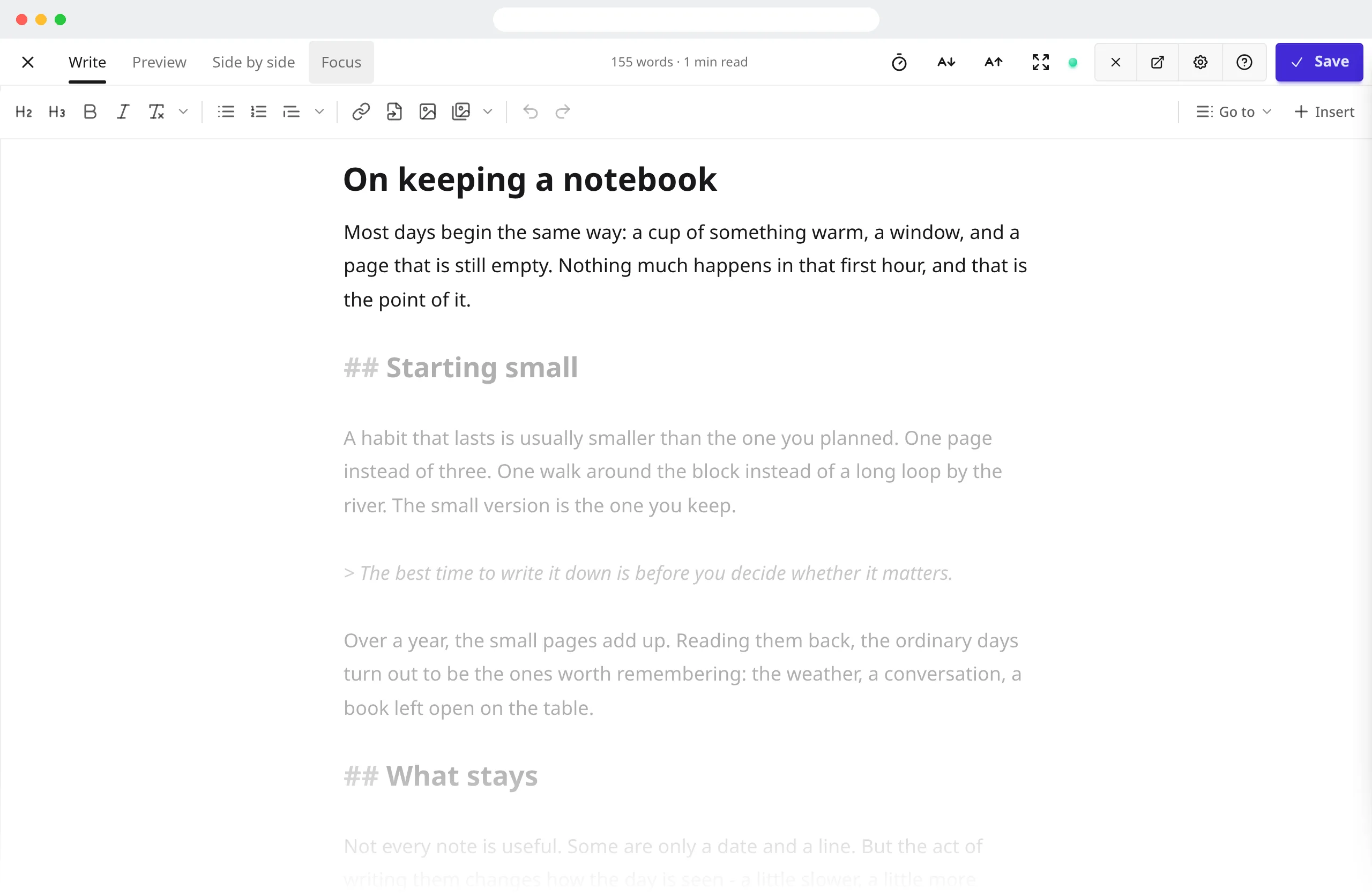
A markdown editor with a live preview, a toolbar and slash commands. Focus mode hides everything but the text. Scheduled posts, shareable preview links and version history for the last 50 versions.
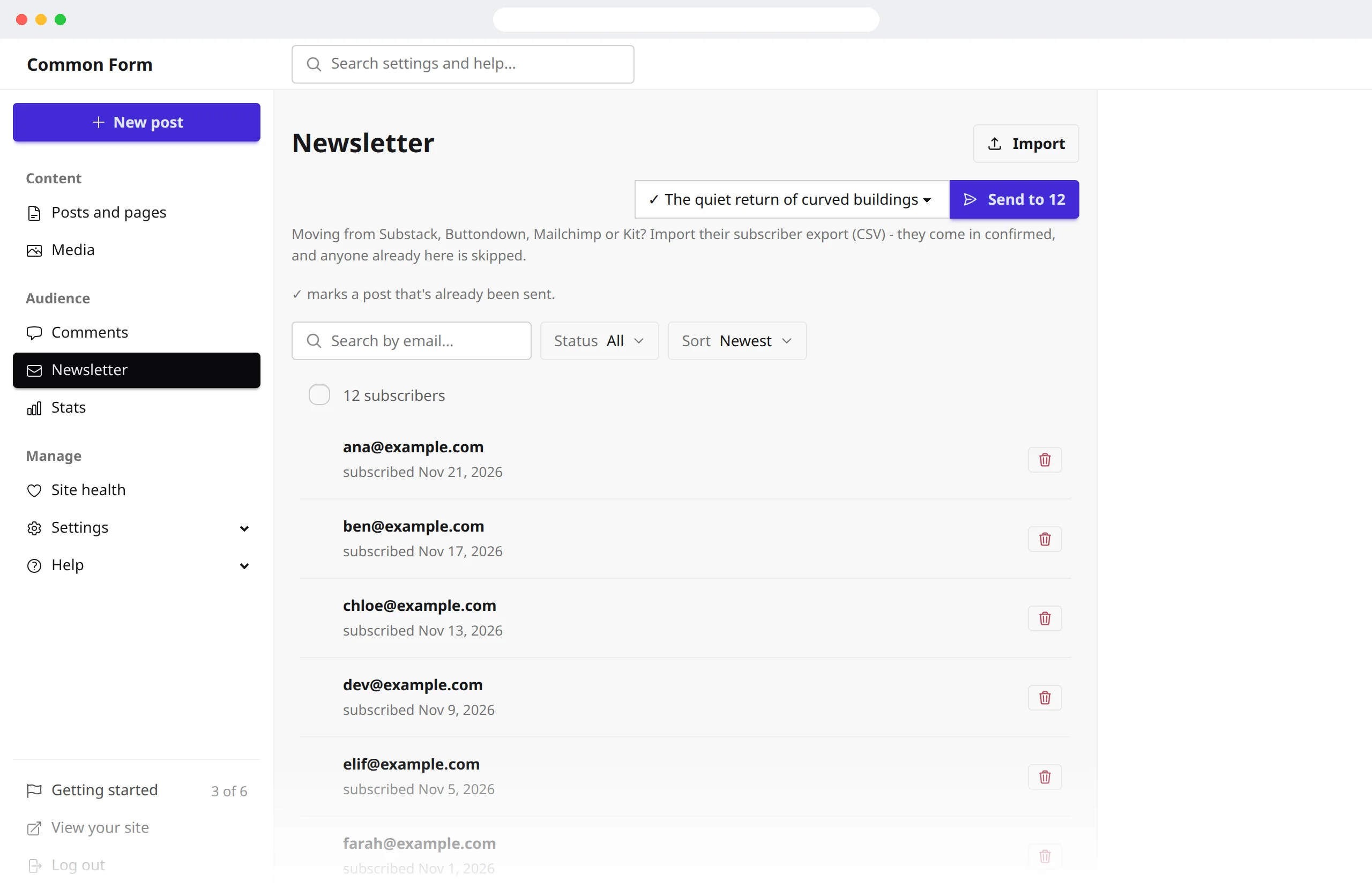
Newsletter, comments and members
A built-in newsletter, threaded comments, and free or paid memberships through Stripe. With ActivityPub, people on Mastodon and the rest of the fediverse can follow the site.
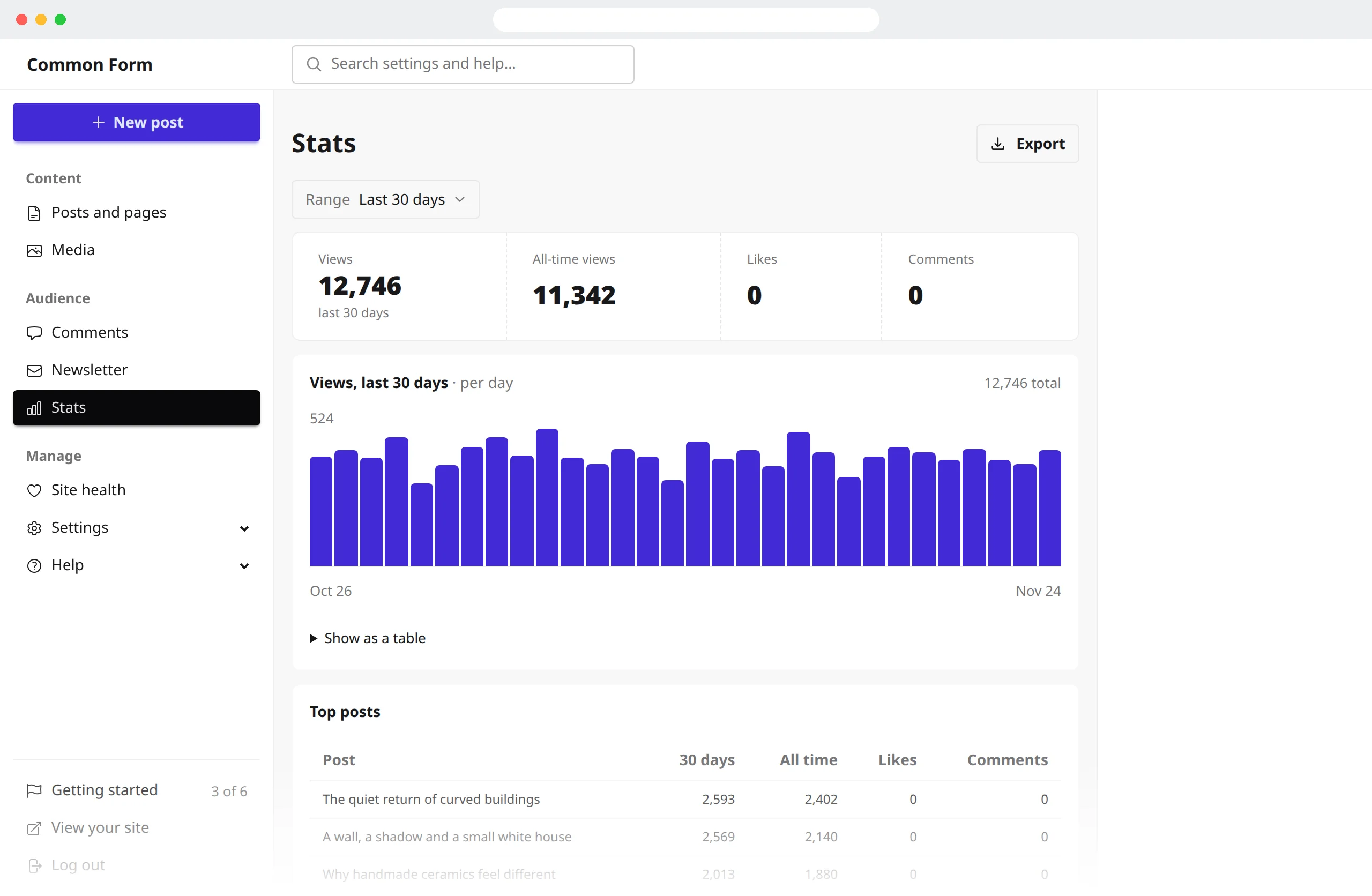
Stats
Cookieless analytics: views by day, top posts and referrers, with no personal data stored.
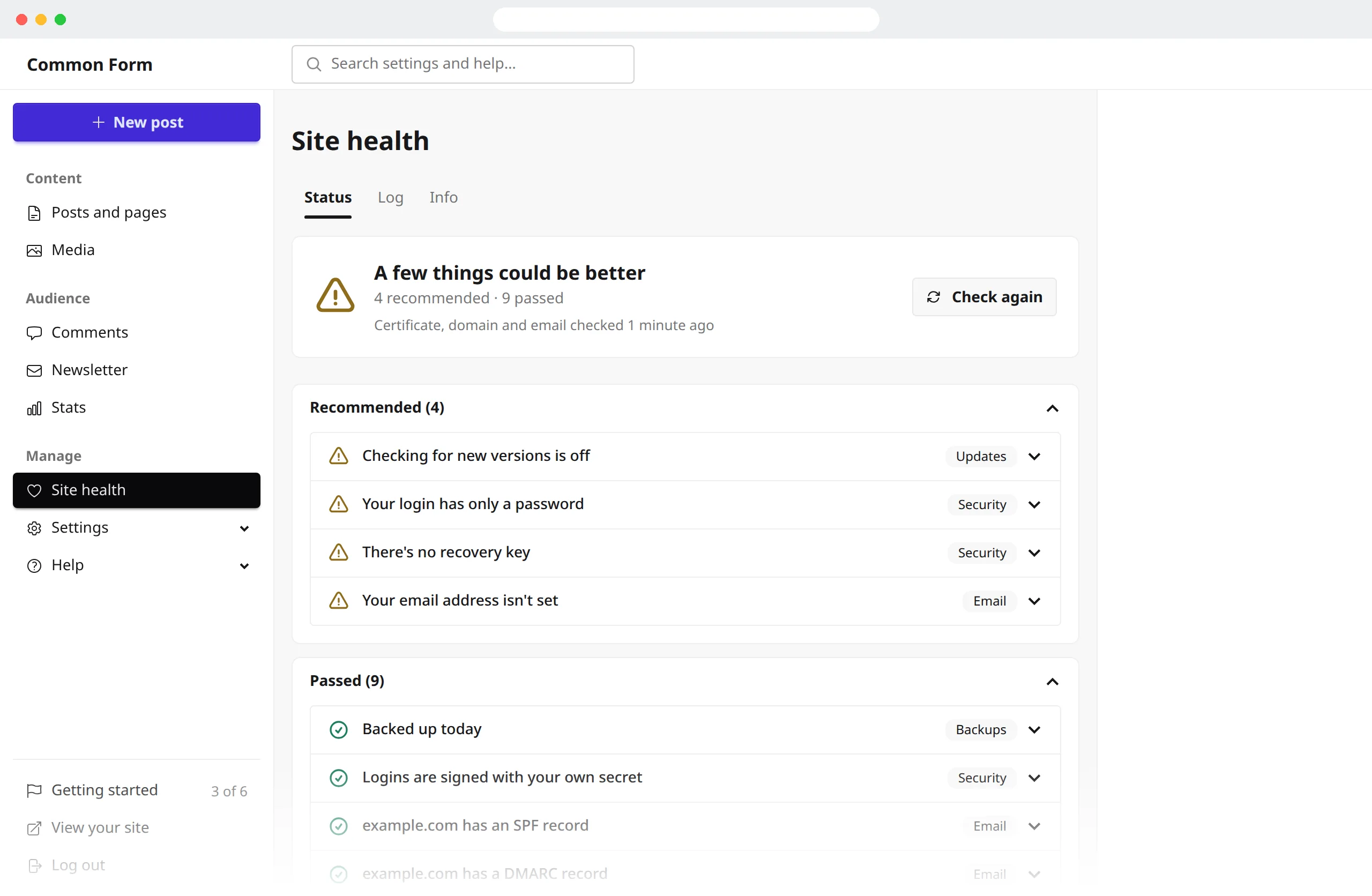
Site health
A built in dashboard that checks the site regularly and notifies you if something goes wrong and how to fix it.
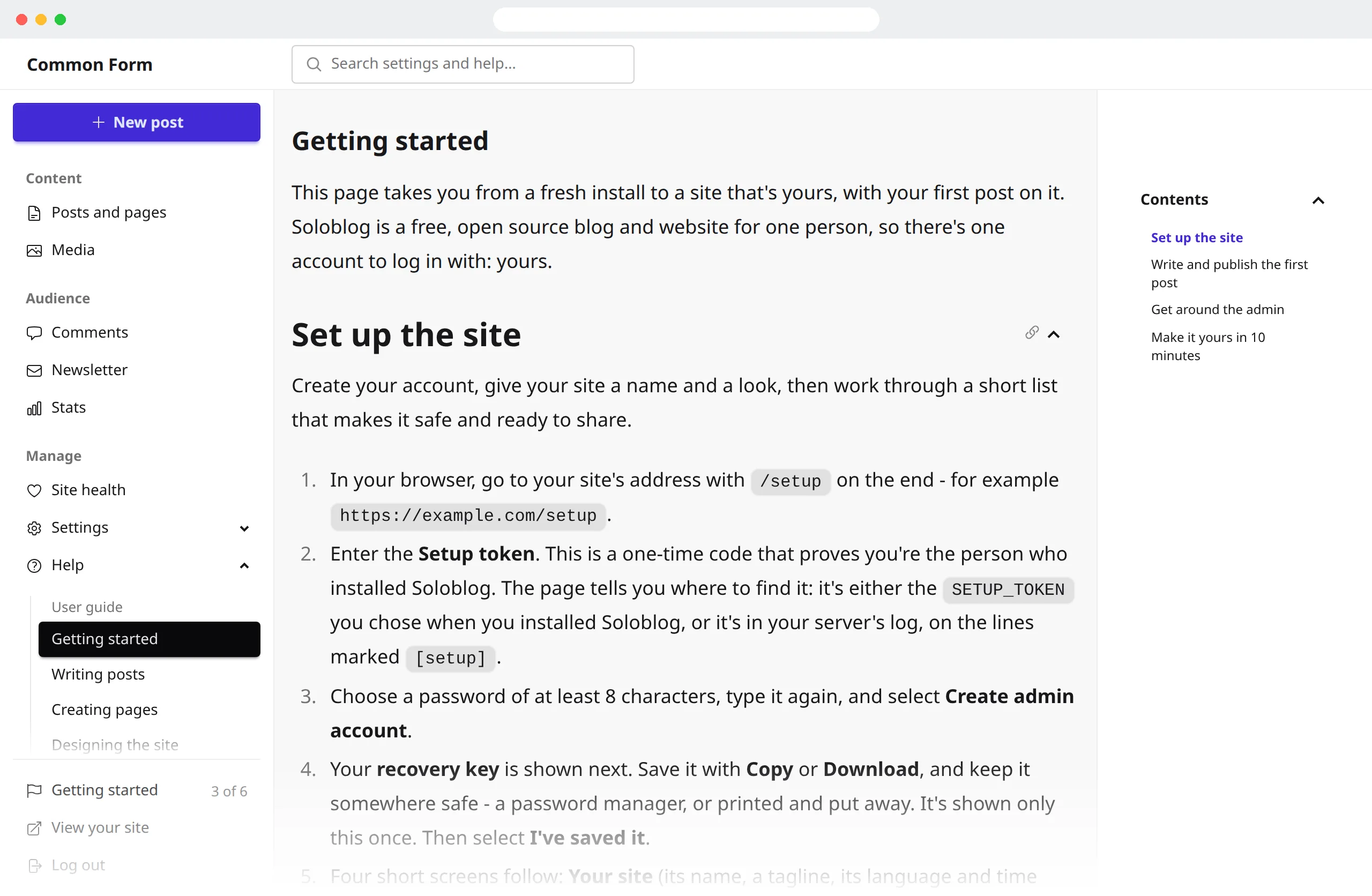
Help
Comprehensive user guide built in, with search for quick find and quick help in the sidebar when you are writing a post. Nothing to remember or memorize. Find what you need quickly.
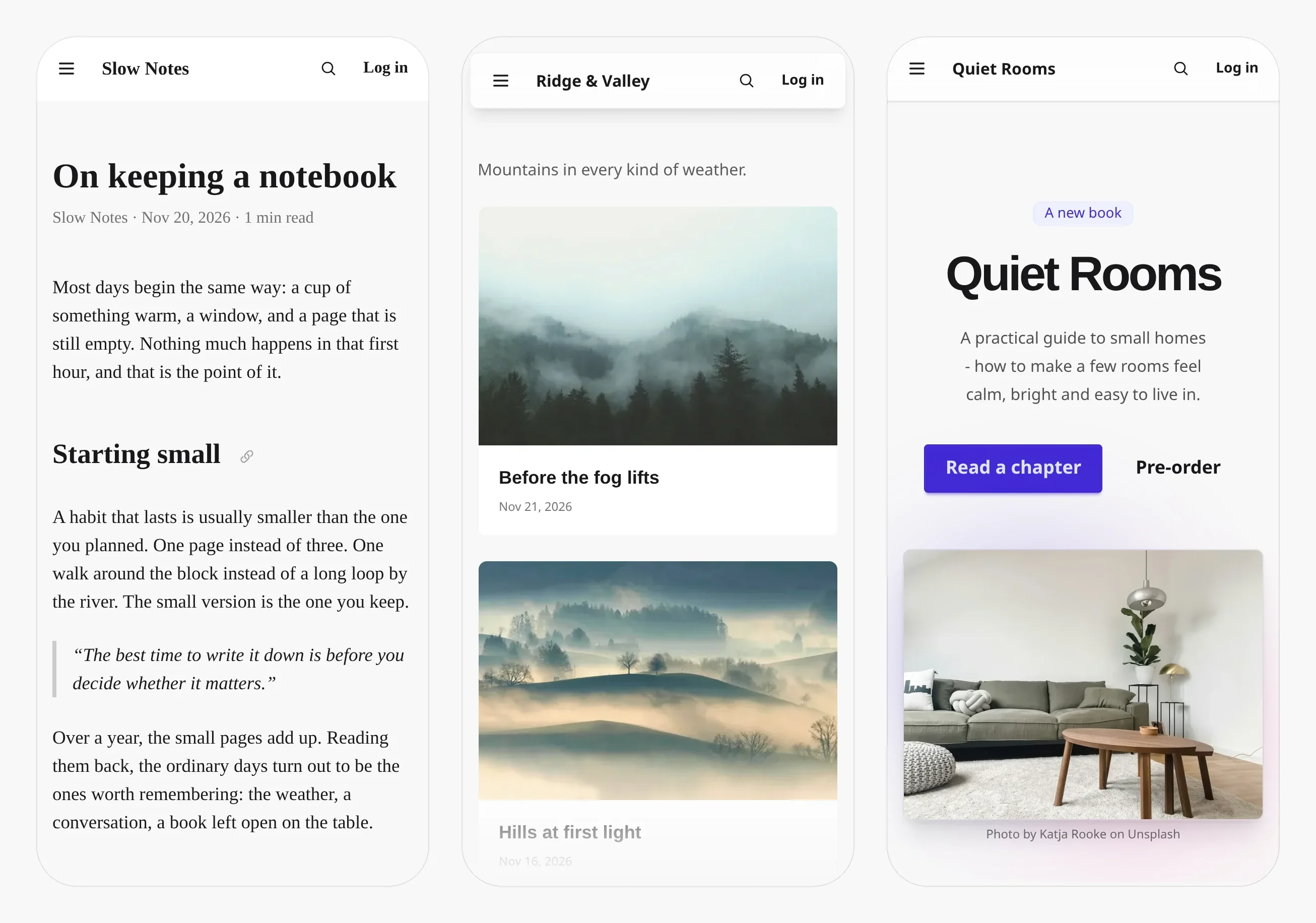
Mobile friendly
Responsive sites, and a responsive admin: writing, comments and settings included.
Starting fresh?
About ten minutes to set up
Zero configuration: a setup page asks for a password and a few questions about the site.
Quick Presets
A preset sets the layout, fonts and colours, with a live preview on the site first.
Onboarding checklist
A getting started flow, lists the next steps: email, a passkey, backups and a custom domain.
Help when you need it
The user guide is built in, written for people who aren't developers, with search across every setting and help page.
Site health
Daily checks on backups, email, updates, DNS and TLS certificates, with automated email alerts.
Automatic backups
Backups to S3-compatible storage after each change, when you want or manually. Automatic or manual restore on a server that has no storage.
Or migrating?
From WordPress
Migrate your posts, pages, images and comments.
From Ghost
Migrate your posts, images and members.
From Substack
Migrate your posts and subscribers.
From Medium
Migrate your posts, images and members.
From Jekyll, Hugo or Obsidian
Import your markdown files as posts.
Mailing lists
Subscribers from Buttondown, Kit, Mailchimp or any CSV.
Works with everything
Resend, or SMTP with an existing account such as Gmail or iCloud.
Payments
Stripe, for monthly and yearly subscriptions.
Stock photos
Unsplash, Pexels and Pixabay, searched from the editor and credited automatically.
AI assistants
An MCP server for Claude and other assistants, drafts-only by default.
Writing apps
iA Writer, Ulysses and others, through the Ghost Admin API or Micropub.
Cloud storage
S3-compatible storage (Amazon S3, Cloudflare R2, Backblaze B2) for backups and images.
Open source and self-hosted
MIT licence
Anyone can read, change and share the code.
Custom domain
Bring your own domain or use your hosting provider's free domain.
Posts as files
Every post is a markdown file you own. They can be opened, copied or moved.
No tracking or telemetry
No ads, and no trackers unless you add one. Soloblog never reports how it's used.
One-file backups
The whole site exports as one zip, any time.
Modify with AI
Don't like something? Fork and modify with AI. Change it or make it your own. Share with others and make it better.
How it's built
The app
Python, with FastHTML and htmx for the pages and daisyUI for the styles and some JavaScript for magic. No JavaScript framework.
The data
Posts are markdown files, and everything else is in a SQLite database, together in one data folder.
Running it
A multi-arch Docker image (amd64 and arm64). About 100 MB of RAM, and no database server.
What it doesn't do
No plugins
There are no plugins and no theme marketplace. Everything is built in.
No hosting from us
We don't host sites. Each one runs on its owner's server, or with a hosting company you choose.
Ways to set it up
-
1
With an AI coding agent
Claude Code, Codex or Cursor does the setup from one prompt and explains each step. -
2
One-click deploy
Render and Koyeb each have a deploy button. -
3
Docker on your own server
A VPS, a Raspberry Pi or a home NAS.
Try Soloblog
Contribute and make it better on GitHub, or send us a message.
Read the comprehensive features list, compare with other platforms or get your questions answered.